6 October 2026
Why the order screenshot reader rejects an image, and how to fix it
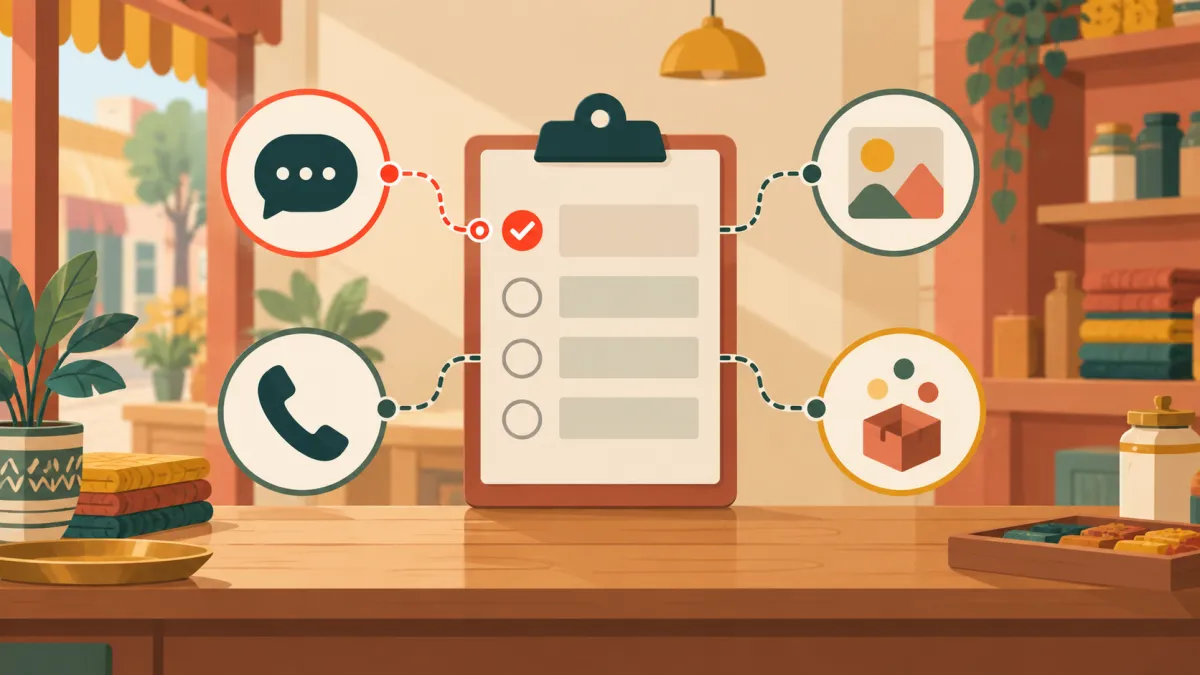
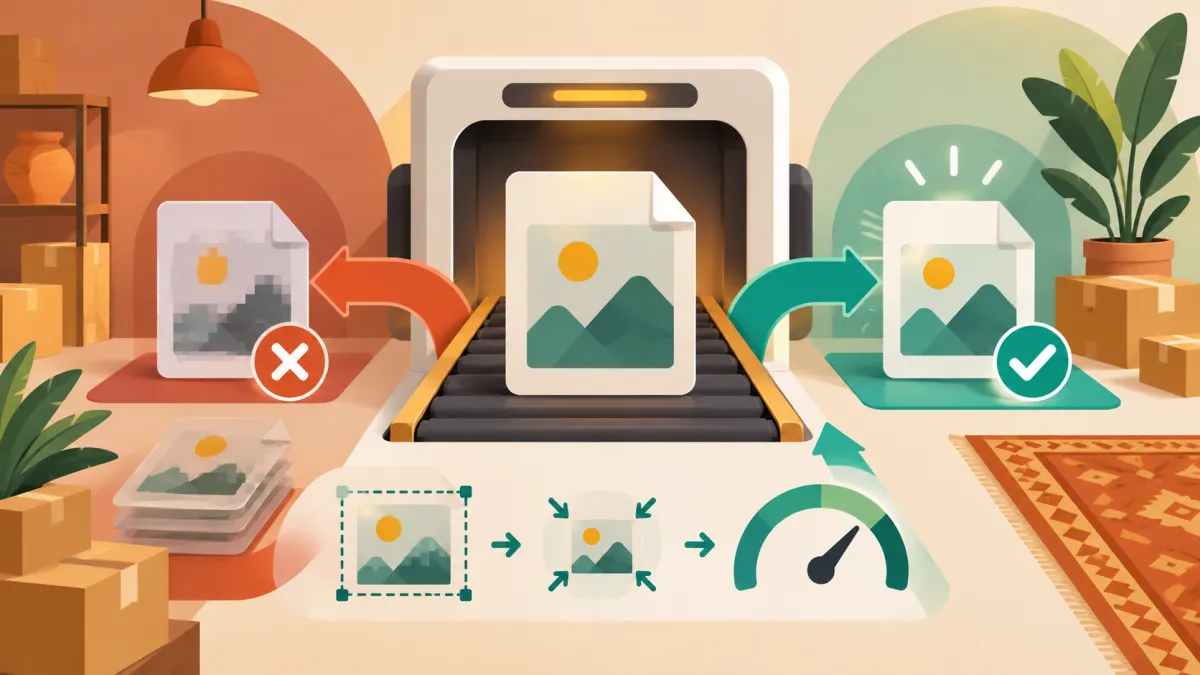
The screenshot reader on the new order page only accepts JPEG, PNG and WebP images under a size limit. Here is what each error means and what to do.
Read more →Practical guides, independent brands, and the details that make a store yours.
The screenshot reader on the new order page only accepts JPEG, PNG and WebP images under a size limit. Here is what each error means and what to do.
Read more →A manual order allows up to 20 item lines and up to 99 units per line. Here is what those limits mean and how to work around them for big orders.
Read more →Use the status form on the order page to change an order's payment from pending to paid when an offline payment clears. No bank sync happens, so you record it yourself.
Read more →If the fill from WhatsApp card is missing or says order reading is switched off, the feature is not enabled for your store. Here is what you can still do.
Read more →Every order has a private page the customer can open. Copy it from the order screen and paste it into the chat so they never have to ask where their parcel is.
Read more →WhatsApp, Instagram, Phone or Other: the source you pick on a manual order tells you later where your sales actually come from.
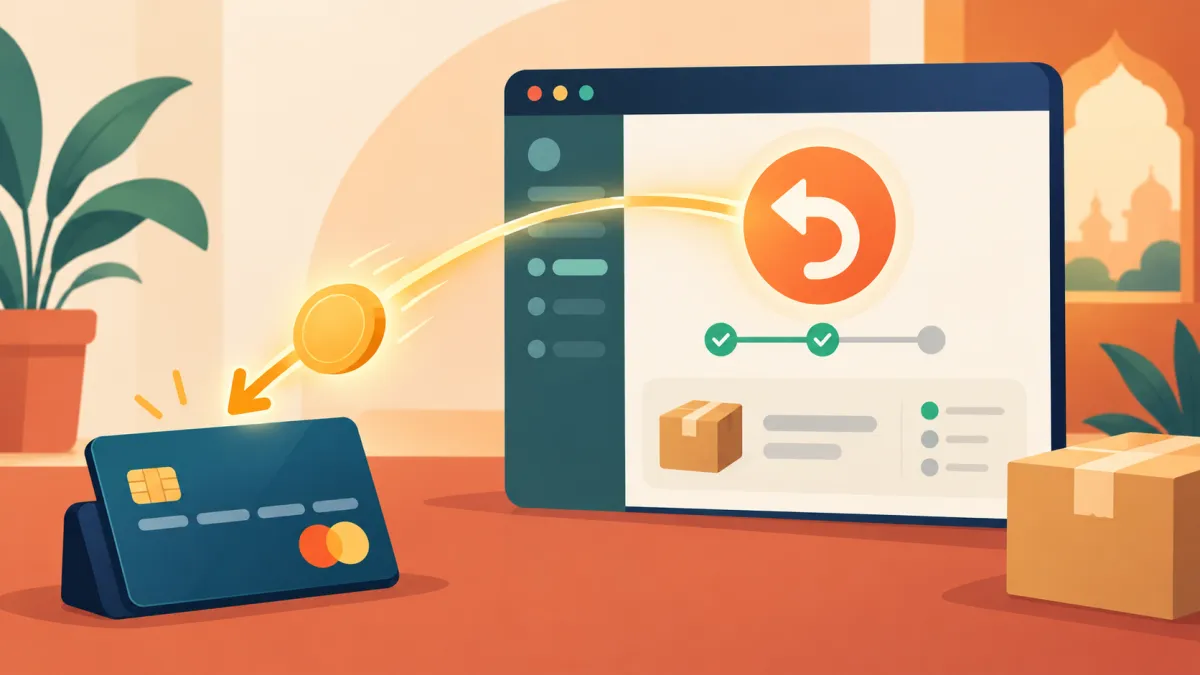
Read more →For orders paid through Cashfree, the refund panel sends the money back to the customer's original payment method. Here is how it works and what can go wrong.
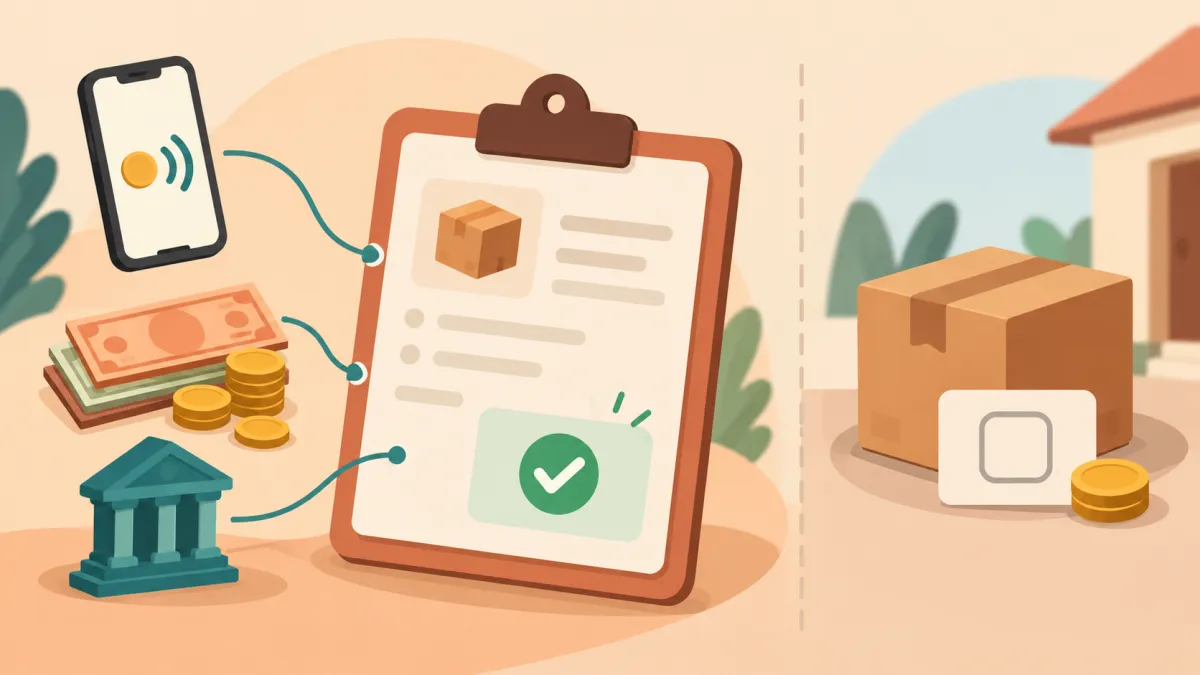
Read more →When a customer pays you directly by UPI, cash or bank transfer, the already paid box records it. Here is how it works and why COD behaves differently.
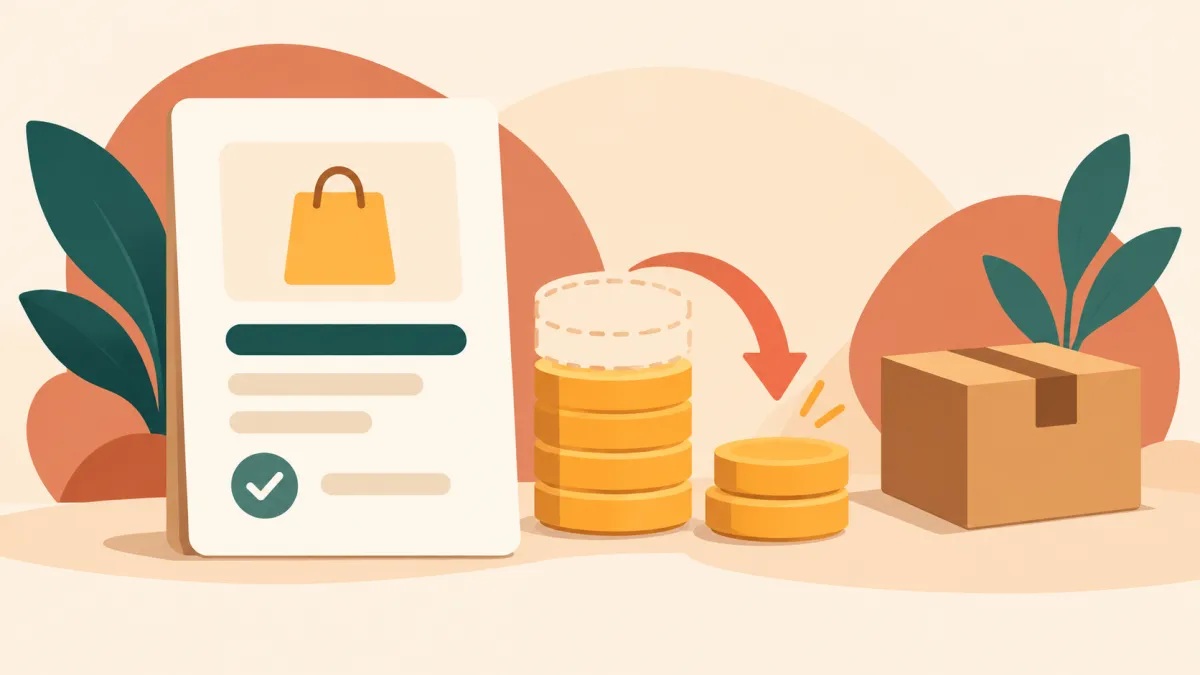
Read more →The refund panel lets you refund any amount up to what is left. Here is how a partial refund works, and what it does not do to your stock.
Read more →Enter a WhatsApp, Instagram or phone order in your Varchas admin so it gets an order number, a stock deduction and a link you can send back.
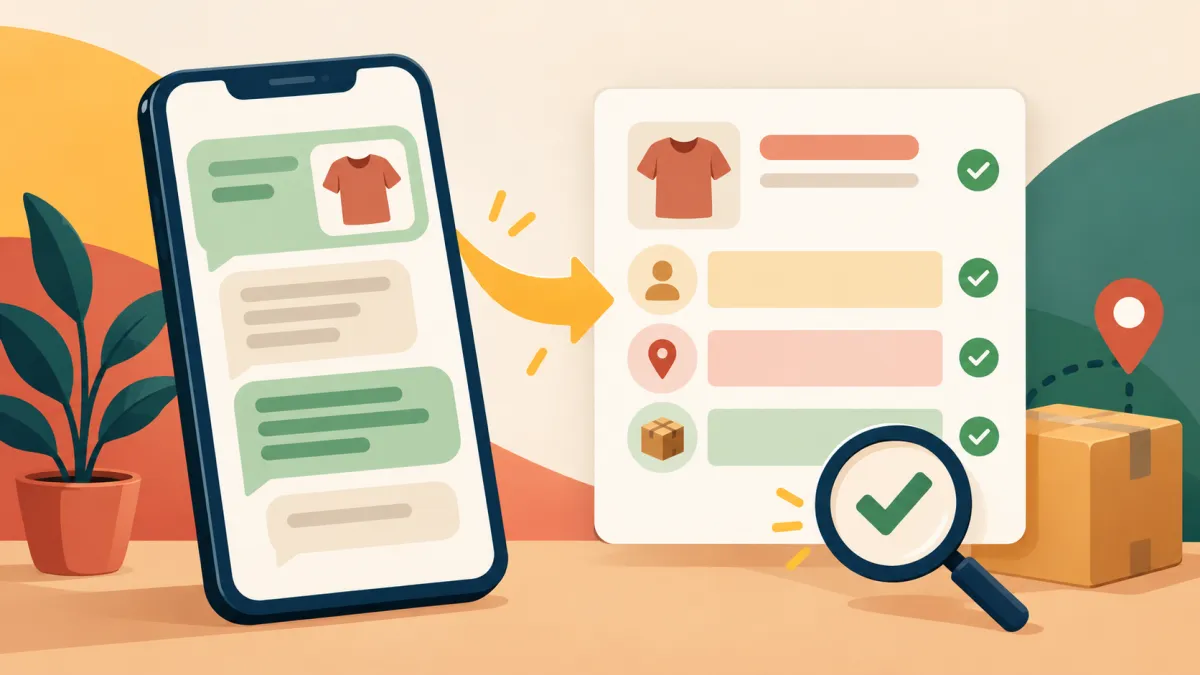
Read more →The new order page can read a chat screenshot or pasted text and pre-fill the form. Here is how to use it and what you still need to check.
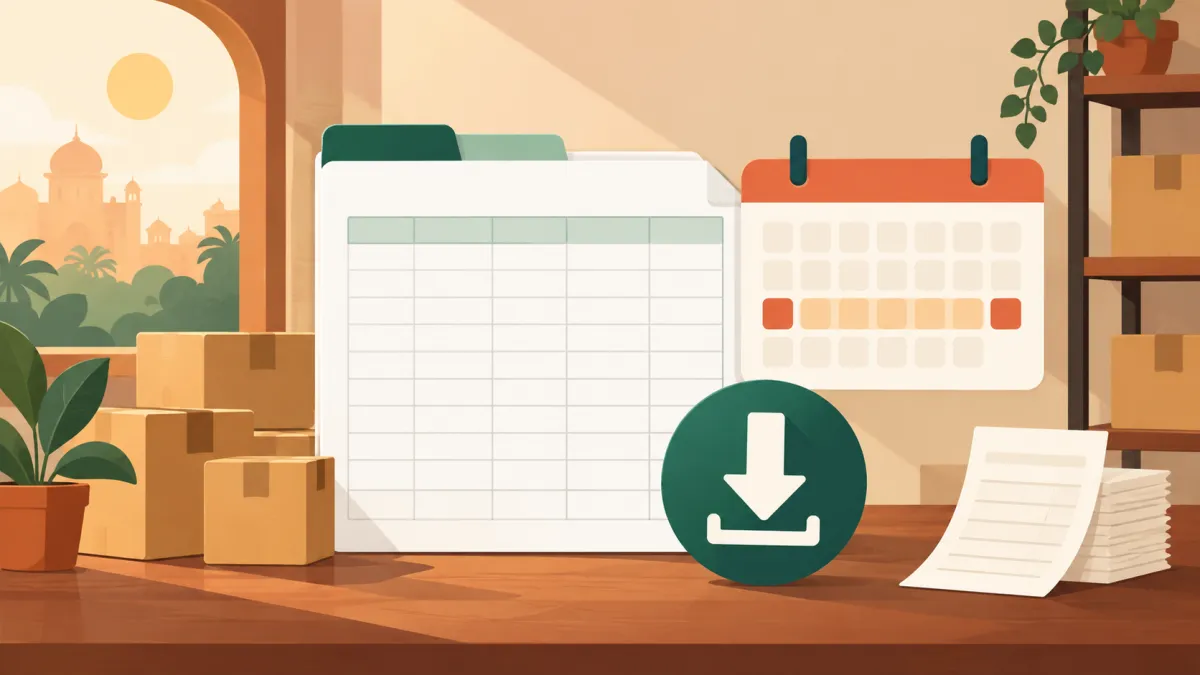
Read more →The orders page can download an Excel workbook of the orders you are looking at, including your search and dates. Here is what is in it and how to use it.
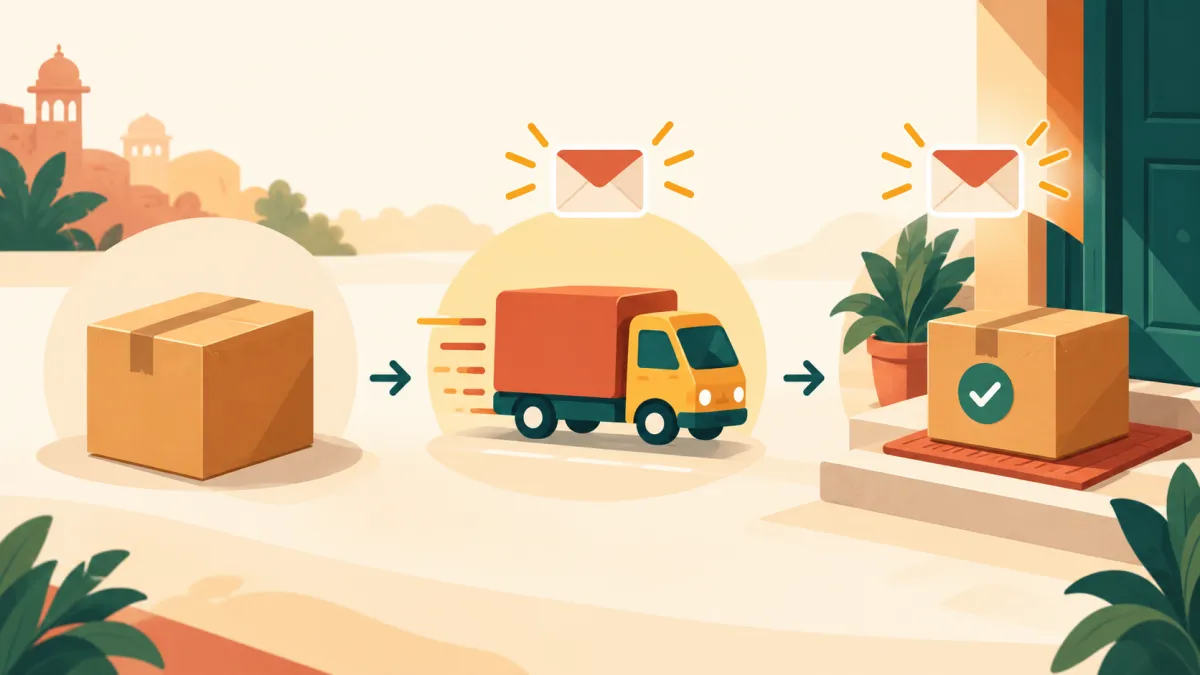
Read more →Marking an order shipped or delivered emails the customer, but packed does not. Here is exactly when emails go out and when they do not.
Read more →Cash on delivery money never passes through the payment gateway, so the refund panel records the refund rather than sending it. Here is how to handle it.
Read more →Instead of retyping an address from WhatsApp, paste the messages into the new order page and let it fill the form for you to review.
Read more →Why moving from a shared link to your own domain matters, and how it works on a Varchas store.
Read more →A marketplace sale is a transaction with the platform's customer, not yours, and that difference shapes everything about how your brand can grow.
Read more →A good product description answers the questions a customer is already asking themselves, in the founder's own voice, not borrowed marketing language.
Read more →How a wishlist on a Varchas store gives undecided browsers a reason to return instead of forgetting.
Read more →DMs are a great way to start selling, but the same habits that got you your first ten orders will slow down your next hundred.
Read more →Email feels old-fashioned next to Instagram and WhatsApp, but it is the one channel a platform cannot restrict, throttle or take away from you.
Read more →A small brand with a hundred products sitting online all year gets browsed; a small brand that drops twenty pieces on a Friday gets bought.
Read more →WhatsApp is the most trusted channel for Indian shoppers, but trust in the app doesn't fix the manual chaos of running orders through it.
Read more →The first month of a real online store is less about traffic and more about getting the basics - photos, prices, payment, records - genuinely right.
Read more →