
Which order status changes email your customer?
Marking an order shipped or delivered emails the customer, but packed does not. Here is exactly when emails go out and when they do not.
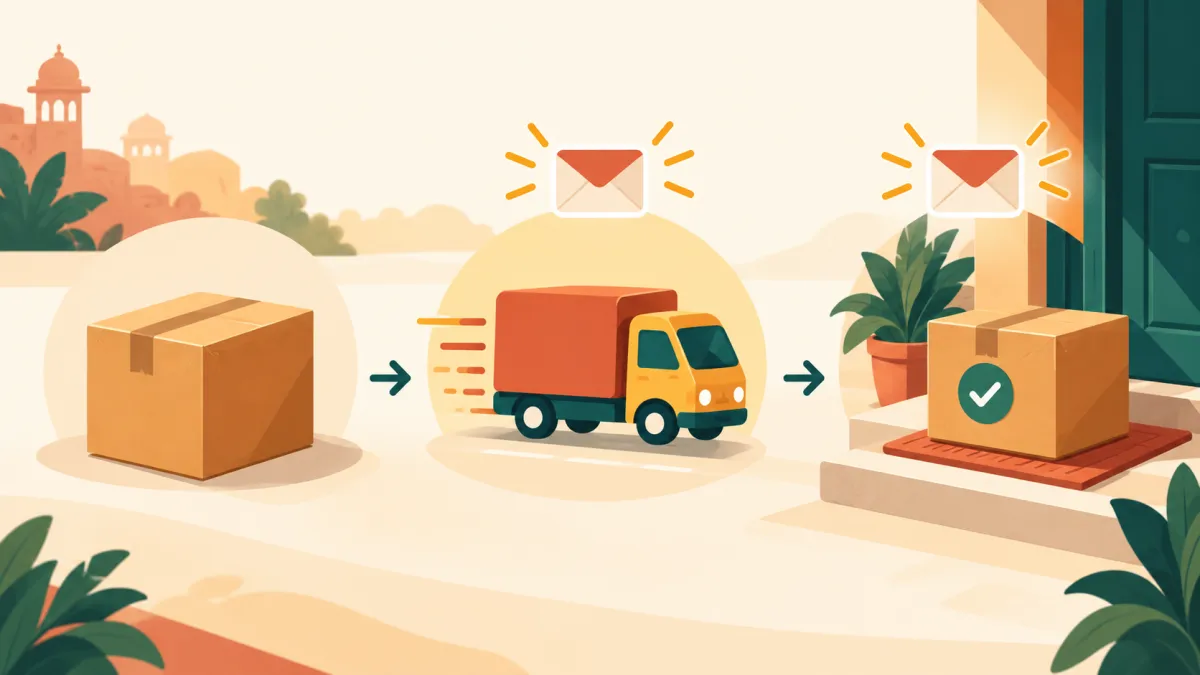
When you change an order's status in your admin, it is natural to wonder whether the customer hears about it. The answer depends on which status you choose, and understanding it saves you from both silent updates and accidental duplicate messages.
The statuses an order can have
Every order has an order status with five possible values: New, Packed, Shipped, Delivered and Cancelled. Separately it has a payment status, which can be Pending, Partial, Paid, Refunded or Failed. You change both from the status form on the order page, using the two dropdowns and the update button.
When an email is sent
Changing the status to Shipped sends the customer a shipped email. Changing it to Delivered sends a delivered email. Cancelling an order sends a cancelled email as part of the cancellation process. Moving an order to Packed does not email anyone, and neither does changing the payment status on its own.
So if you want customers to be told that their parcel is on the way, make sure the order reaches Shipped. If you book a courier through the shipment card, the status moves forward as part of that flow, so you may not need to change it by hand.
Emails only go out when the status actually changes
The system compares the status before and after your update. An email is queued only when the status really changed to Shipped or Delivered. If you open an order that is already Shipped and press update without changing it, nothing is sent. That prevents a re-save of the same form from mailing the customer twice.
The same is true in reverse: you can correct a mistake, for example moving an order from Delivered back to Shipped, but that alone does not send a new shipped email unless the status you move to is one that triggers it and differs from the previous one. Because walking a status backwards is allowed for fixing errors, be careful when you do it, since a forward move afterwards can send another message.
Customers without an email address
Orders created by hand from a chat often have no email. In that case there is nowhere to send these messages, and the customer relies on the order link you shared instead. The link shows the order's progress, so sending it once in the chat can replace a stream of emails. See sharing an order link with customers.
You cannot resend a past email
There is no button to resend an earlier status email. If a customer says they never received one, check that the address on the order is right, ask them to look in their spam folder, and send them the order link directly.
Cancelled orders stay cancelled
One more rule worth knowing: a cancelled order cannot be reopened. Cancelling gives the stock back, and letting the order move forward again would sell the same units twice. If the customer changes their mind, create a new order instead.
Using status updates well
Treat Shipped as a promise: update it when the parcel actually leaves, and add tracking so the message is useful. Order tracking your customers can trust explains how tracking and status updates fit together, and what actually happens when an order is cancelled covers the cancel path.