
Why the order source on a manual order is worth getting right
WhatsApp, Instagram, Phone or Other: the source you pick on a manual order tells you later where your sales actually come from.
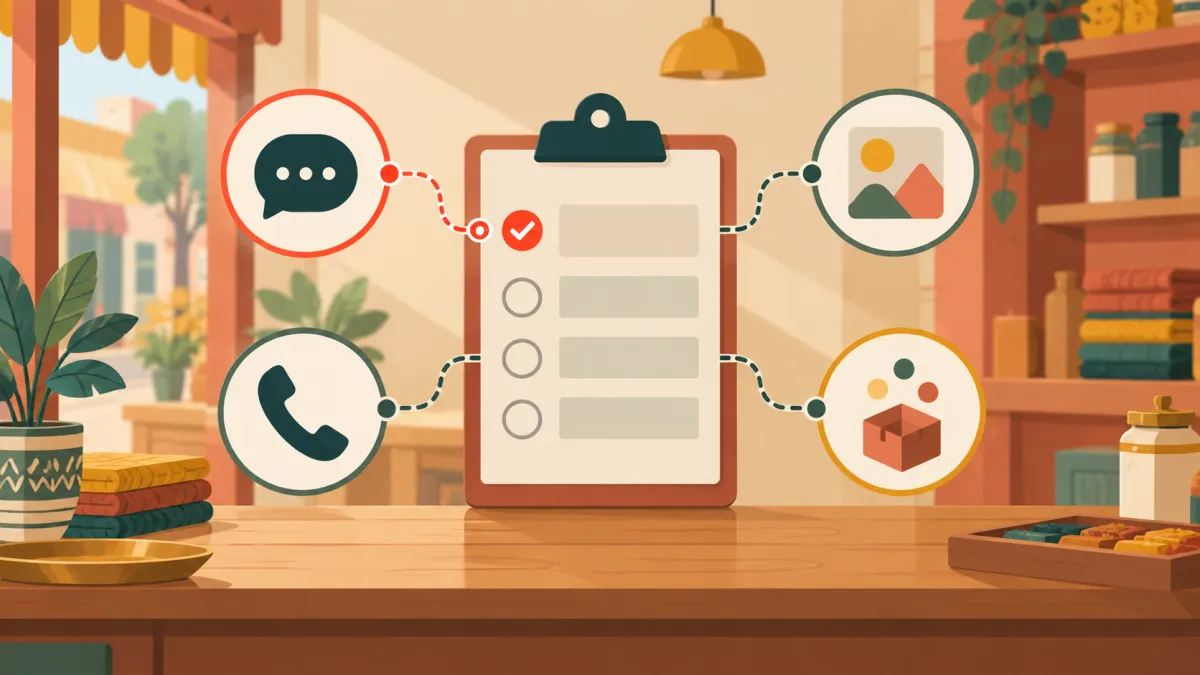
When you create an order by hand in your Varchas admin, one dropdown is easy to ignore: order came from. It defaults to WhatsApp, and it is tempting to press create without touching it. That is a missed chance, because this small field is the only reliable record of which channel brought each of your chat sales.
The four options
The source field offers WhatsApp, Instagram, Phone and Other. WhatsApp is the default, since that is where most manual orders come from. Choose Instagram for orders that were agreed in DMs or in comments, Phone for orders taken on a call, and Other for anything else, such as a walk in customer, a message on another app, or an order from a friend.
The choice is stored on the order and shown on its card, so you can see it when you open an order later.
Why it matters
Imagine looking back after three months. You know you sold well, but you do not know whether your reels brought the orders, whether your WhatsApp status did, or whether repeat customers simply phoned you. With sources filled in, you can scan the orders and form an honest picture instead of a guess.
This is especially useful for a small brand without an advertising budget. Time is your main investment, and the source tells you where the time paid off. If Instagram orders are common, the time you spend on posts is working. If almost all orders arrive by phone, maybe your best marketing is the reputation you already have.
What the source is not
It is a label you set, not something Varchas detects. The platform does not read your Instagram or WhatsApp account, and it does not tag a manual order automatically. It also does not describe how the customer paid, which is a separate field with its own choices: Cash, UPI (direct), Bank transfer and Cash on Delivery.
Orders placed through your storefront checkout are not given a source in this field, because they come from the store itself. And an order placed through an affiliate's link is tracked through the affiliate system, not through this dropdown. The source is just for orders you enter.
Tips for keeping it accurate
Decide on a simple rule and stick to it. If the conversation began on Instagram and moved to WhatsApp for the address, pick the channel where the customer first said yes, or the channel you want credit for, but be consistent. Choose it at the moment you create the order, not afterwards, because the form does not ask again. And if you are unsure, Other is better than a wrong guess, since a wrong label misleads you while an honest Other does not.
If the customer's reading helped fill the form from a screenshot, remember that the source is never read from the chat. You still choose it yourself, as explained in fill an order from a WhatsApp screenshot.
Connecting it to the bigger picture
Knowing your channels lets you decide what to do next: invest more in the one that works, and move customers from the messy channel onto your store link. From Instagram bio to your first order covers turning that attention into orders, and how to create an order for a customer who bought on WhatsApp covers the form where this dropdown lives.