
How to mark a pending order as paid once the money arrives
Use the status form on the order page to change an order's payment from pending to paid when an offline payment clears. No bank sync happens, so you record it yourself.
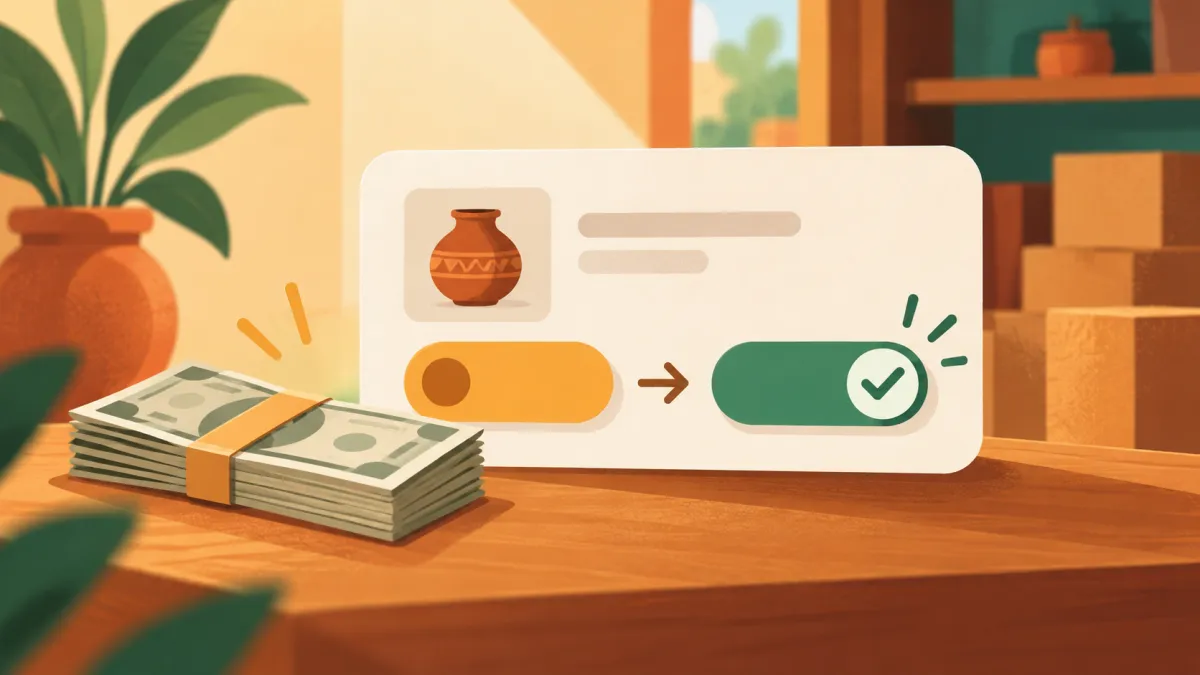
A lot of manual orders start as pending. The customer says they will pay by UPI this evening, or promises a bank transfer once their salary arrives. You create the order anyway so the stock is held and the details are safe. When the money finally lands, you need to update the order. That is a thirty second job.
The status form
Open the order from your admin's Orders list. Near the top is the status form with two dropdowns. One is the order status, with New, Packed, Shipped, Delivered and Cancelled. The other is the payment status, with Pending, Partial, Paid, Refunded and Failed. A button labelled update saves your choices, and a saved confirmation appears next to it.
To record a payment, change the payment dropdown from Pending to Paid and press update. Leave the order status alone unless the order has also moved on.
Nothing is verified for you
Varchas does not connect to your bank account or your UPI app for off platform payments. For orders paid by cash, direct UPI or bank transfer, the payment status is simply your record. That freedom is also a responsibility. Before you change an order to Paid, check that the credit really arrived in your own app or statement, and that the amount matches the order total.
Online payments through the payment gateway are different: those are updated automatically as the gateway reports the result, and you normally never touch them.
Using partial
If a customer pays half now and half later, set the payment to Partial. It tells you, and anyone reading your export, that some money is in and some is still owed. When the rest arrives, change it to Paid. The status values are just labels you control, so use them consistently.
Fixing mistakes
This form is allowed to move things backwards, because everyone makes errors. If you ticked paid by accident, set it back to Pending. If you marked an order shipped too early, change it back. Be aware of two rules, though. A cancelled order cannot be reopened, because cancelling returns stock to your inventory and reopening would let the same units be sold twice. And customers are emailed only when an order's status actually changes to Shipped or Delivered, so correcting a payment value sends nothing.
Why it is worth the thirty seconds
Your order list, your exports and your refunds all depend on payment status. A refund requires that something was paid. An accountant reading your export needs to know which sales are settled. And you, a month from now, need to know which customers still owe you a payment. How to record a UPI or cash payment on a manual order covers doing it at creation time, which is the best moment when you already have the proof.
A weekly routine
Once a week, open the orders list and look for pending ones older than a few days. Message those customers politely, with their order link, and either update the payment or cancel the order and free the stock. A pending order that never gets paid quietly holds units you could have sold. Cash on delivery without the chaos describes how unfinished orders are handled on the checkout side.
When an order is fully settled and delivered, it simply stays in your history, with the right numbers, ready for the next export. See how to export your orders to Excel when you need them in a spreadsheet.