
How to issue a partial refund on an order
The refund panel lets you refund any amount up to what is left. Here is how a partial refund works, and what it does not do to your stock.
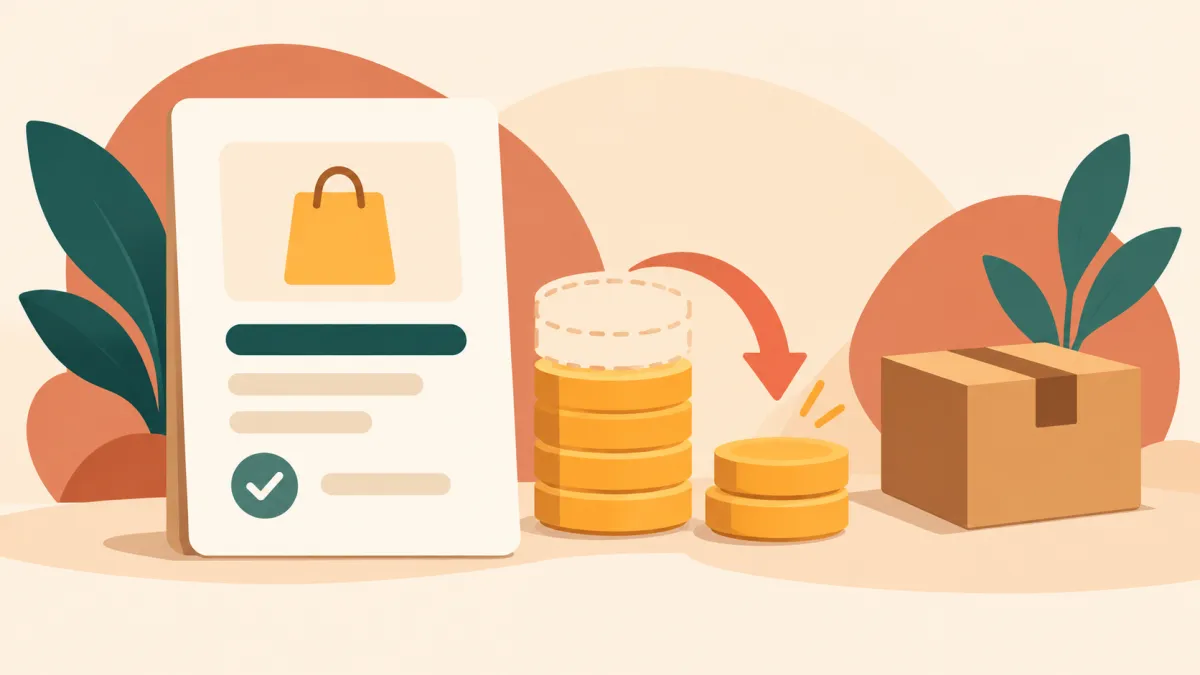
Not every refund is for the whole order. A customer might receive a damaged item from a set of three, you might be out of one product after the order was placed, or you may simply offer a goodwill amount for a late delivery. The refund panel on the order page handles all of these, because it lets you choose the amount.
Where the refund panel is
Open the order from your admin's Orders list. Further down the page, the refund panel shows three numbers: what was paid, what has already been refunded, and what is left. Under them, if anything is left to refund, there is an amount field, pre-filled with the remaining balance, and an issue refund button.
Entering a partial amount
Replace the pre-filled figure with the amount you want to return, in rupees. You can use paise too. The field accepts anything from one paisa up to the amount left, and the server checks it again when you press the button: if the number is zero, missing, or higher than what remains, you get an error such as you can refund at most the remaining amount.
How is the amount that can be refunded worked out? If the customer paid only an advance, as with a part payment on a COD order, the advance is the paid amount. Otherwise the order total is used. Whatever you have already refunded is subtracted. So the limit is always the money that actually came in, never more.
What happens to the money
The panel tells you which of two things will happen. For orders paid through the online payment gateway, Cashfree, the refund is sent back to the customer's original payment method. For orders that were not paid through the app, such as cash, direct UPI or bank transfer, the panel only records the refund. You return the money yourself, then record it here so your numbers stay true.
For gateway orders, if the gateway rejects the refund, you see the message it returned and nothing is recorded. How long the money takes to reach the customer is up to the bank and the payment method, not something Varchas controls. Processing a full refund through Cashfree covers the gateway side in detail.
Several partial refunds
You can issue more than one. Each time, the refunded total goes up and the amount left goes down. When your refund finally uses up everything that was left, the order's payment status changes to refunded. Until then it keeps its paid status, which is accurate: part of it is still a sale.
A double click on the button is guarded against. The refund is only recorded against the amount the server last read, so pressing twice by accident does not refund twice.
What a partial refund does not do
It does not restock anything. The panel moves money, not inventory, and it does not know which item the refund is for. If a damaged item is not coming back, nothing needs restocking. If a returned item is in good condition and you want to sell it again, you need to update your product stock yourself. Cancelling an order is the route that restocks automatically; see what actually happens when an order is cancelled.
It also does not change the order status. A partly refunded order can still be shipped or delivered.
A good habit
Write down the reason somewhere you can find it, such as a note in your own records, because the panel records the amount and date but not your explanation. Then tell the customer the amount and the expected timing. Clear communication prevents most follow up messages, and the order page gives you the exact figures to quote.