
How to refund an online payment in full from your admin
For orders paid through Cashfree, the refund panel sends the money back to the customer's original payment method. Here is how it works and what can go wrong.
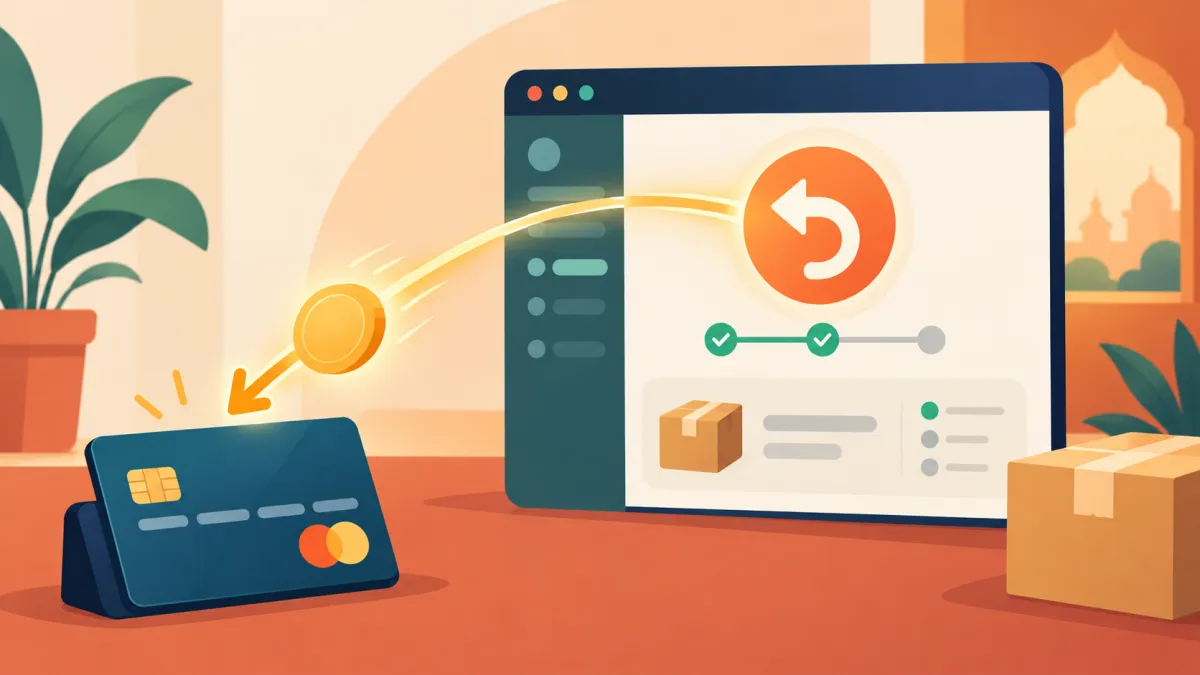
When a customer pays online at your store checkout, the money goes through the payment gateway. If you later need to give it all back, you do not have to log in to a separate dashboard. The refund panel on the order page does it for you, and it keeps your order records in step with the refund.
Before you start
You can only refund what was paid. If an order is still pending, failed, or never had a payment, the panel refuses with a message that nothing has been paid on this order. The panel is on each order's page in your admin, under the Orders section.
At the top of the panel you see three figures: paid, refunded and left. For a full refund, the amount you want is simply whatever is shown as left.
Issuing the refund
The amount field comes pre-filled with the whole remaining balance. If that is what you want, press issue refund and you are done. If you had already refunded part of the order earlier, the pre-filled value is just the rest.
Behind the button, three things happen for a gateway order. First, the amount is checked against what is refundable. Second, the refund request is sent to Cashfree, and the panel waits for the answer. Third, if the gateway accepted it, the refund is recorded on the order with the date. When the refunded total equals everything that was paid, the payment status switches to refunded and a refund recorded confirmation appears.
Where the money goes
The panel notes that gateway refunds go back to the customer's original payment method: the same card, UPI account or bank the customer used. You do not choose the destination. How long it takes to appear depends on the bank and the method, and it is outside what Varchas can speed up. When a customer asks, the honest answer is that it has been sent and will arrive in the bank's own timeframe.
If the gateway refuses
If Cashfree cannot process the refund, you see a message beginning with the refund could not be sent, followed by the gateway's own wording or a note that Cashfree could not be reached. Nothing is recorded in that case, so you can try again. Common reasons include a temporary connection problem or a payment that has not yet settled. Try again after a few minutes, and if it keeps failing, contact support with the order reference.
Orders that did not go through the gateway
Not all orders can be refunded this way. If the customer paid by cash, direct UPI or bank transfer on a manual order, the panel cannot send money, because the app never held it. The panel then says the order was not paid through the app: pay it back yourself, then record it here. See can you refund a COD order online for how that plays out.
Cancelling versus refunding
A refund returns money. A cancellation does more: it restocks the items and sends the customer a cancelled email, and for a paid order it handles the refund as part of the same action. If the customer will not receive the goods at all, cancelling the order is usually cleaner than refunding by hand. What actually happens when an order is cancelled explains the difference.
Keep a paper trail
After a refund, the order page shows the refunded total, so you can always see what happened. Tell the customer the amount and that it has been sent to their original payment method. For smaller adjustments rather than a full return, how to issue a partial refund covers choosing your own amount.