
How many items can you put on one manual order?
A manual order allows up to 20 item lines and up to 99 units per line. Here is what those limits mean and how to work around them for big orders.
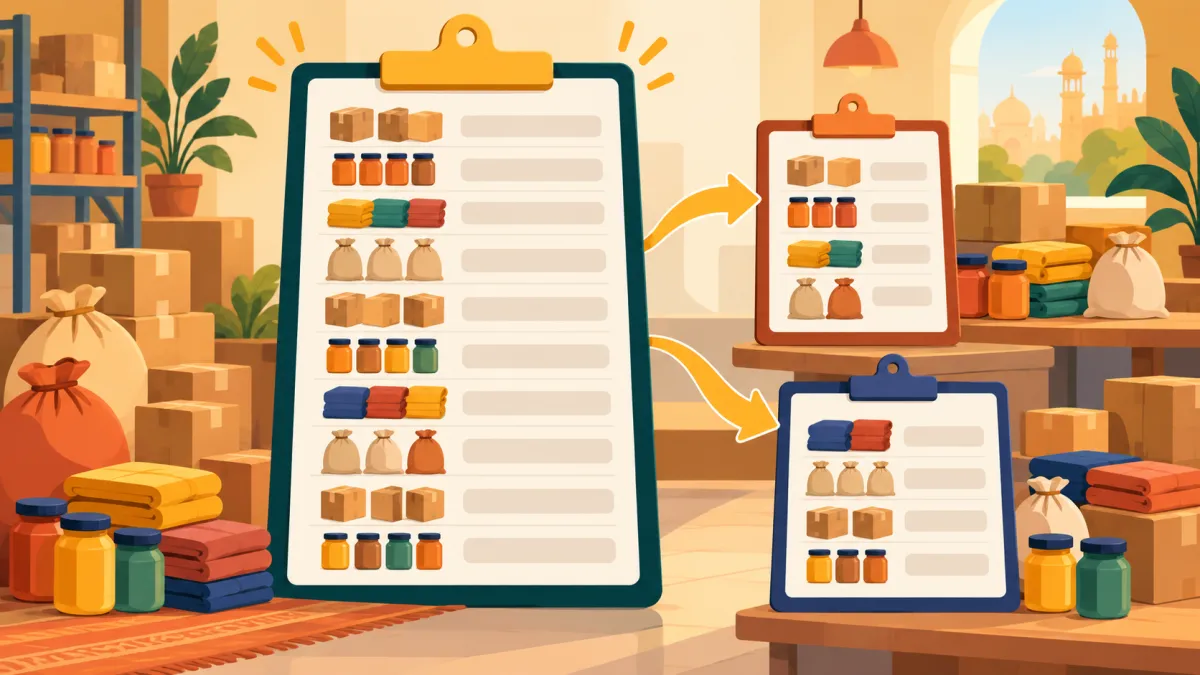
If you take bulk orders through WhatsApp, you may wonder whether the new order page can keep up. It can handle most chat orders comfortably, and it has two sensible ceilings that are worth knowing before you start typing a long list.
The two limits
A single manual order can have at most 20 item lines, and each line can have a quantity from 1 to 99. A line is one row in the items section: one product, in one colour, in one size. So an order for three T-shirt designs in four sizes each uses twelve lines, which fits easily.
The limits exist as a guard against typos. A stray extra zero in a quantity field, or a form submitted in the wrong state, should not be able to reserve your entire stock. The admin shows an error if you go beyond them: at most 20 lines per order, or a quantity that must be between 1 and 99.
How lines are counted
Because a line is a specific combination, variants add up quickly. Imagine a customer wants one kurta in medium and large, in two colours. That is four lines, not one. If you sell products with many colourways and sizes, a mixed bulk order can reach 20 lines faster than you expect. Count the combinations before you start, and you will know in advance whether the order fits on one record.
What to do with a bigger order
If a customer's order genuinely needs more than 20 lines, split it into two orders and send two links, or send one link and explain the split. Each order gets its own reference, its own shipment and its own payment record, which can in fact be cleaner when the goods will leave in separate parcels.
For quantities above 99 of a single combination, create more than one line for the same combination, or create separate orders. Remember that stock is deducted the moment the order is saved, so the product must have enough units available, otherwise the form will show a message under the items instead of saving.
Minimum quantities and lot pricing still apply
The form follows your product rules. If a product has a minimum order quantity, or lot pricing that gives a different price at higher quantities, the running total on the form reflects that. A row that breaks a rule shows a note beneath the items, and the create button stays disabled until it is fixed. That protects you from quoting a price the product settings would not honour.
Stock is real, so the form is honest
Manual orders draw down inventory exactly as checkout does. That is the whole point of entering them: your catalogue stops showing units that are already promised in a chat. If you are about to enter a very large order, glance at the product's stock first. It is better to learn that you only have forty units before you promise sixty to a customer.
Bulk orders in general
Large orders usually need more than a form. They need a clear price, a payment plan and a realistic dispatch date. Bulk orders and lot pricing explains how to set up quantity based prices so the numbers are already right when the customer asks.
When you are ready to enter the order, how to create an order for a customer who bought on WhatsApp shows every field in sequence.