
Order reading is switched off: what the message means
If the fill from WhatsApp card is missing or says order reading is switched off, the feature is not enabled for your store. Here is what you can still do.
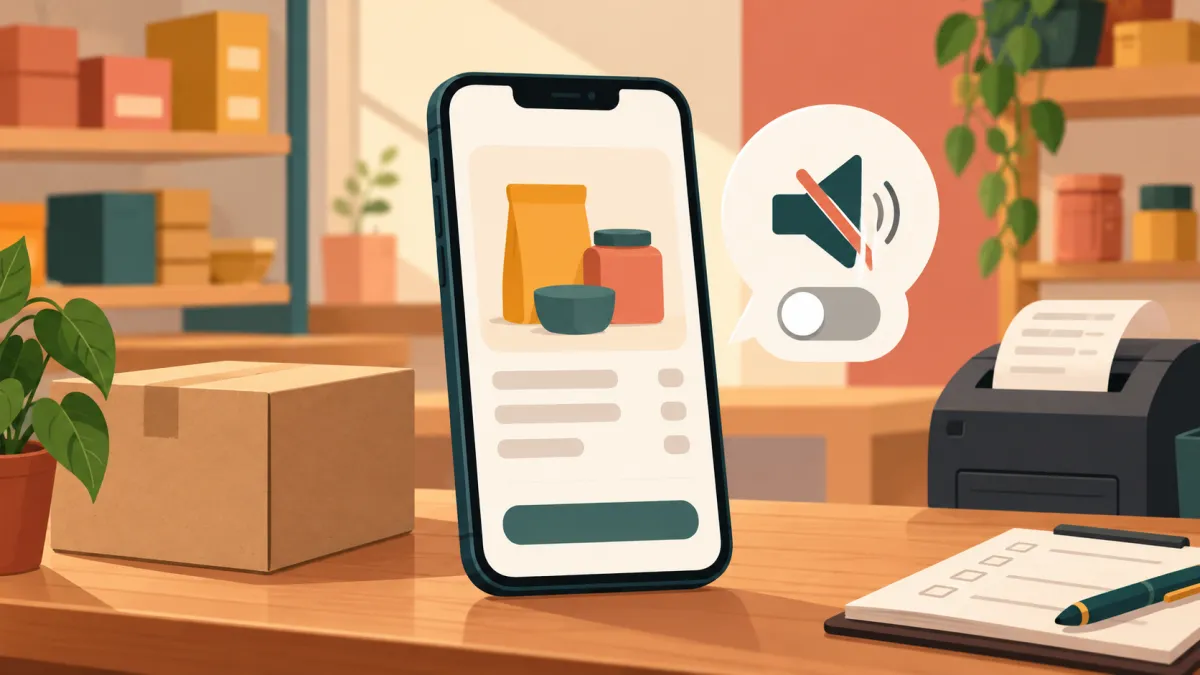
The new order page can read a chat screenshot or pasted text and pre-fill the form. Not every store has that feature turned on. If you cannot find the fill from WhatsApp card, or you see a message that order reading is switched off, you have not done anything wrong. The feature is simply not enabled, and the form still works exactly as usual.
Two ways you might notice it
On some pages, the card is not shown at all, because the page checks whether the feature is available before drawing it. In other situations, such as a page that was already open when the setting changed, you may press a button and get the message order reading is switched off. Both mean the same thing: the reading service is not currently enabled for the platform or your store.
Why it is a switch, not a setting you can flip
Reading chats and screenshots uses an outside service that has to be configured and paid for centrally. That is why it is controlled on the platform side, not in your store settings page. There is no toggle in your own admin to turn it on, and refreshing the page will not change it.
If you believe you should have the feature, contact Varchas support and ask whether order reading is enabled for your store. It is a reasonable thing to ask, especially if you take many chat orders.
What to do in the meantime
Nothing stops you from creating the order. The form below the card is the whole order system. You choose products, colours, sizes and quantities, enter the customer's name, phone and address, pick the source and payment method, and press create order.
To make manual entry faster without the reading tool:
- Keep the chat open in another window and copy each piece into the matching field.
- Ask customers to send details in the same order every time: name, phone, address with pincode, then items.
- Create the order as soon as the chat is finished, while the details are fresh.
- Use the state list rather than typing, and double check the pincode, since the form requires six digits.
Do not confuse it with a failed reading
When the feature is on but a particular reading fails, the message is different: the page says it could not read that and suggests trying again or filling the form by hand. That is a temporary problem with one image or text, not a store wide switch. The related posts cover those cases: why the screenshot reader rejects images and pasting a customer's chat to fill the form.
Is it worth asking for?
If you create a handful of manual orders a week, typing is fine and you may never miss the reader. If you take dozens of chat orders, it can save real time, but it never removes the need to check. Whatever the reading produces is a draft that you confirm, so the time saved is in typing, not in thinking.
Either way, the order you create has the same stock deduction, price rules and customer link as any other. How to create an order for a customer who bought on WhatsApp walks through the whole form for stores with or without the reading card, and WhatsApp orders are great until they are not explains why keeping these orders in your admin matters at all.