
How to record a short product video with a phone
Steady shots, good light and a simple shot order are enough to make a clear short video of your product at home.
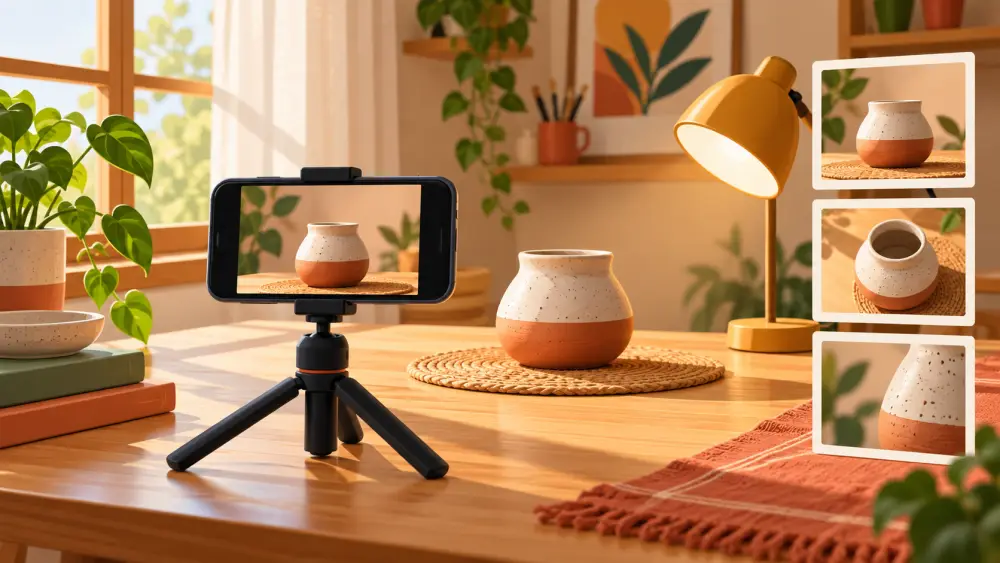
You do not need editing skills or a camera crew to make a short product video. A phone, a steady surface and a plan are enough. The aim is to show the product clearly, the way a customer would want to see it in a shop: how it looks, how big it is, how it is used. Do not expect a video to guarantee more sales. Its job is to give customers extra information a photo cannot.
Set up for stable footage
Shaky footage is the first thing viewers notice. Put the phone on a tripod, or lean it on a stack of books, and use the timer so you are not touching the screen when recording starts. If you must hold it, tuck your elbows against your body and move slowly. Turn on any basic stabilisation your camera offers. Shoot horizontally or vertically depending on where you will use the clip; vertical suits reels and stories.
Get the light right
Video hides less than photos do, so aim for soft, even light. Window light beside the product is the easiest, as in using window light. In the evening, two matched lamps do the same job; read cheap LED lights. Avoid mixing warm and cool light, and avoid shooting with a bright window behind the product, because the product will turn into a dark shape.
Clean the lens and the product
A fingerprint on the lens makes everything look hazy. Wipe it before you begin. Wipe the product too, since movement exaggerates dust and marks.
Use a simple shot order
Plan the clip before recording. A basic order is:
- Whole product in clear view, holding still for a moment.
- A detail such as texture, stitching, a label or a clasp.
- In use or in hand, so the viewer sees size and purpose.
- A closing shot of the product alone, with space around it.
Write the list on paper and tick them off. Each shot only needs a few seconds. For more detail on what to include, see what shots a demo video should include.
Move the camera slowly
When you move the phone, move it slowly and in one direction. Fast pans cause blur and make viewers uncomfortable. Moving the product instead of the phone, for example turning it on a turntable, is often easier. See a simple 360 degree spin.
Think about sound
If you talk, find a quiet room and keep the phone close. Fans, traffic and echo show up quickly in recordings. If you do not want to speak, you can leave the clip silent and add captions or music in a free editing app. Use only music you have the right to use.
Keep it short and trim it
Record a few extra seconds at the start and end, then trim them. Shorter clips are easier to watch and easier to upload on a weak connection; see keeping video files light.
Where the video goes
Use it as a reel, in a story, or on your store. Varchas Stores has a Videos section in the admin that accepts MP4, WebM and QuickTime files, and our post on putting your reels on your store explains how your existing reels and videos can sit on your store home. Keep the claims in your video honest: show what the customer will actually receive.