
What is an order tracking page? (and why customers rely on it)
An order tracking page is where a buyer checks the status of their parcel, and a good one saves you from a lot of where-is-my-order messages.
The simple definition
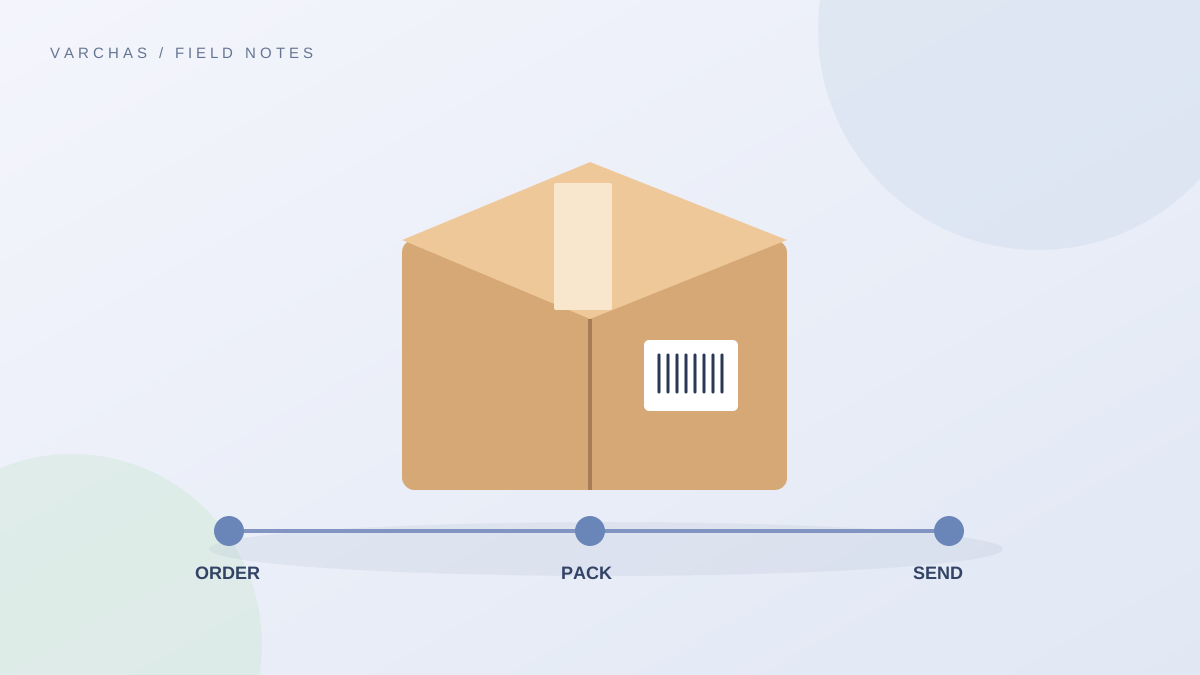
An order tracking page is a place a buyer can visit to see how their order is progressing. At its simplest it shows a status such as placed, packed, shipped or delivered. When the parcel has been handed to a courier, it can also give an AWB number, which is the courier's tracking reference, and a link to follow the parcel.
The post on what an AWB number is explains that reference in more detail.
Why buyers lean on it
After paying, a buyer has one question: where is my parcel? If your store answers it, they feel looked after. If not, they ask you, usually on WhatsApp, usually more than once.
Think of how you feel when you wait for a delivery yourself. Even a plain "shipped, here is the link" calms you down. Buyers of a small, unknown brand need that calm even more, because they do not yet know you.
What it does for you
- It cuts repetitive messages. Each question the page answers is one you do not type out.
- It shows professionalism, which supports trust for a new brand.
- It gives you a clean place to point to when a customer says "nothing has happened".
What Varchas shows today
I checked the storefront code. Each order has its own page, reachable through the order link a customer receives. It shows the order status and the items. Once a shipment has been created for the order, the page shows the courier status and a button to track, labelled with the AWB number when one exists. If no shipment exists yet, there is no tracking link, so the page reflects what has actually happened and does not invent progress.
A few honest limits: the link opens the courier's tracking, so the detail of each scan comes from the courier. The page does not promise a delivery date. For the order link itself, see sharing an order link with customers.
What to say next to the link
A page is more helpful when your message explains it. When you share tracking, add one line about what to expect:
"Your order is shipped. Tracking shows here: [link]. Updates can take a few hours to appear after pickup."
The post on how to share tracking details with customers has more wording, and what to send customers at each shipping stage maps messages to each stage.
When tracking looks stuck
Couriers sometimes show the same status for a day or more. This does not always mean a problem. Explain it before the customer panics. See why tracking looks stuck and what to tell customers and explaining tracking statuses in plain language.
Make it findable
A tracking page nobody can find helps nobody. Put the link in your order confirmation, in your shipping update message, and on your FAQ. Mention it in your WhatsApp auto-reply for "where is my order" queries.
Keep your own status updated too. If your page says "packed" while the courier already delivered, you have created confusion, not saved it.
What to avoid
Do not tell customers a parcel will arrive on an exact date based on the tracking page. Do not hide a delay. If something goes wrong, message first.
The takeaway
A tracking page lets buyers answer their own most common question. Make sure the link reaches them, explain the statuses, and keep your own order status honest.