
What is a product variant? (and when to use one)
A variant is one version of a product, such as one size or colour, so a single t-shirt page can offer several choices instead of several separate listings.
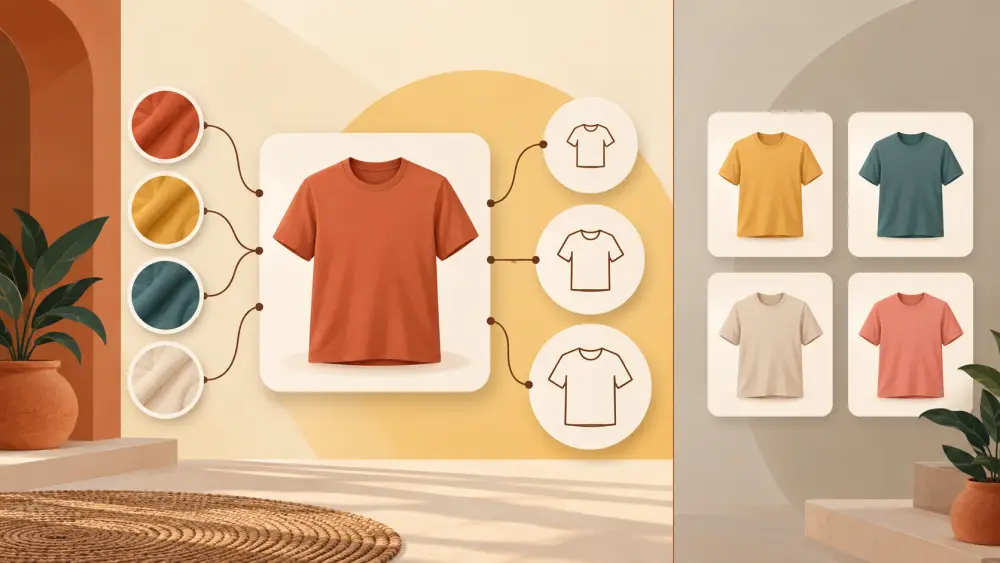
A product variant is one specific version of a product. Your t-shirt comes in black and white, and in S, M and L. The t-shirt is the product. "White, M" is a variant. Instead of making six different product pages, you make one and let the shopper choose.
The t-shirt example
Say you sell one printed t-shirt design.
- Colours: black, white
- Sizes: S, M, L
That gives you six combinations: black S, black M, black L, white S, white M, white L. Each combination can have its own stock count. Black M might have 12 pieces while white S has 2 and black L has none.
With a variant setup, the shopper sees one page, picks her colour and size, and sees whether that exact choice is available.
Variant or separate product?
Use a variant when the choices are the same item in a different size or colour. Use a separate product when the items are meaningfully different: different design, different material, different price structure or different photos.
A rough test:
- Would a customer see these as the same thing, just in another option? Variant.
- Would you describe, photograph and price them differently? Separate product.
- Does the description change a lot? Separate product.
Variant or separate product, how to decide goes through more cases. And how many variants is too many will help if your list is getting long.
Why variants help
- Stock stays accurate per choice, so you do not sell what you do not have.
- The shop is tidier, with fewer near-duplicate pages.
- Customers compare easily without hunting through the catalogue.
- Reviews and photos for the design can live in one place.
How to name them
Keep option names plain and consistent, such as "S, M, L" every time and not "Small" on one product and "Sm" on another. See how to name variant options clearly and SKU naming convention examples for variants.
What Varchas supports
I checked the product data model in the code. A product can have colourways, and each size has its own stock count, linked to a colourway where the product has them. If a product does not use colourways, sizes sit directly on the product. So the t-shirt above fits the way the store is built: two colourways, each with S, M and L stock. For a deeper look at how this fits together, read product variants, colourways and sizes and how to track stock per variant in your catalogue.
I will not claim any other option types beyond colour and size, since that is what I verified.
Next step
Open your catalogue and find any two listings that differ only by colour or size. Those are candidates to merge into one product with variants.
A small habit that saves trouble
When you add variants, add the stock for each one on the same day. It is tempting to enter "10 t-shirts" in your head and fix the split later, but the split is exactly what protects you from selling a size you do not have. Count the shelf, write down black S, black M and so on, and enter each number. Do the same after every restock, so the counts never drift far from what is really in your cupboard.