
How to photograph yoga wear for your online store
A shot plan for sellers of leggings, tops and sports bras, showing stretch and fit in real poses so buyers can judge before ordering.
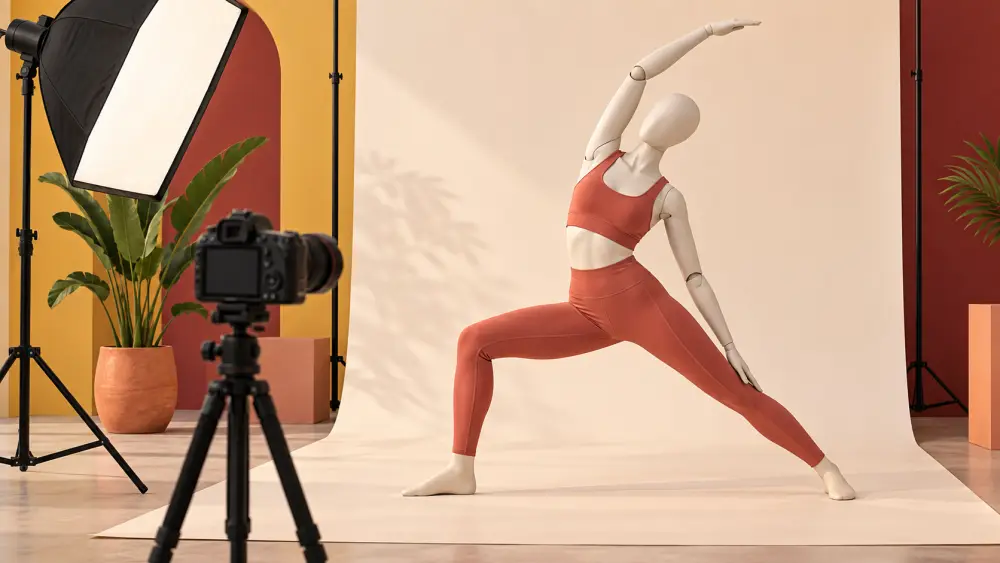
Yoga wear is bought for how it moves. A buyer wants to know if it stretches without turning see-through, if the waistband stays put and if the fit suits her body. A flat photo of a folded legging answers none of that. Your pictures need to show the garment in motion and in detail.
Show it being worn
If you can, use a model, a friend or yourself. Real bodies in real poses are more useful than a mannequin. Choose poses that test the garment: a forward fold, a deep lunge, a seated twist, a standing stretch. These show how the fabric behaves when it is pulled. If you do not have a model, photographing clothing without a model offers alternatives, and photographing products on a friend covers working with someone you know. Always get consent before using anyone's photo.
The core shot list
- Front, back and side views standing, on a plain background.
- Two or three poses that show stretch at the knees, hips and waist.
- A close-up of the waistband and seams.
- A detail of the fabric texture and print.
- A flat-lay of the garment with measurements.
- A size reference: tell the buyer the model's height and the size she is wearing.
Show stretch honestly
Photograph the garment in its relaxed state and fully stretched, so buyers see what happens at the limit. If the fabric becomes slightly sheer in a deep stretch, do not hide it. Buyers value honesty and will return less when they know what to expect. Do not claim anything about moisture-wicking, compression or performance unless you can prove it from your supplier's information. Describing material honestly covers wording.
Light and background
Use soft daylight from a window or an open shaded area. Avoid direct harsh sun, which makes dark fabrics look flat and lightens blacks. A plain wall or yoga mat in a neutral colour keeps the focus on the garment. Dark garments are hard: expose for the fabric, check that seams are visible and avoid pushing the shadows so far that grain shows. If colours vary between screens, tell customers; describing colour accurately shows how.
Show fit details
- The rise of leggings, front and back.
- Whether the waistband has a pocket.
- The length against the model's leg.
- Tops: neckline, strap width and back design.
Each detail removes a doubt.
Capture variants
If you sell several colours and sizes, shoot every colour. For sizes, one fit model is fine so long as you say what size she wears and her height. Our guide to product variants will help you structure them in the catalogue, and fitness apparel basics is useful if you are just starting.
Editing
Straighten and crop evenly, brighten a little and correct the colour. Do not smooth the body or alter the shape of the garment; buyers will feel misled and return. Keep skin tones natural.
Before uploading
- Does one image show a deep stretch?
- Is the model's height and size stated?
- Are fabric and waistband close-ups included?
- Do colours match what ships?
Show the garment doing what yoga wear is for, and let buyers see themselves in it.