
How to photograph baby care products for your online store
Parents want to see clean, bright, calm pictures with clear labels. This guide shows the shots that make baby care products feel safe to buy.
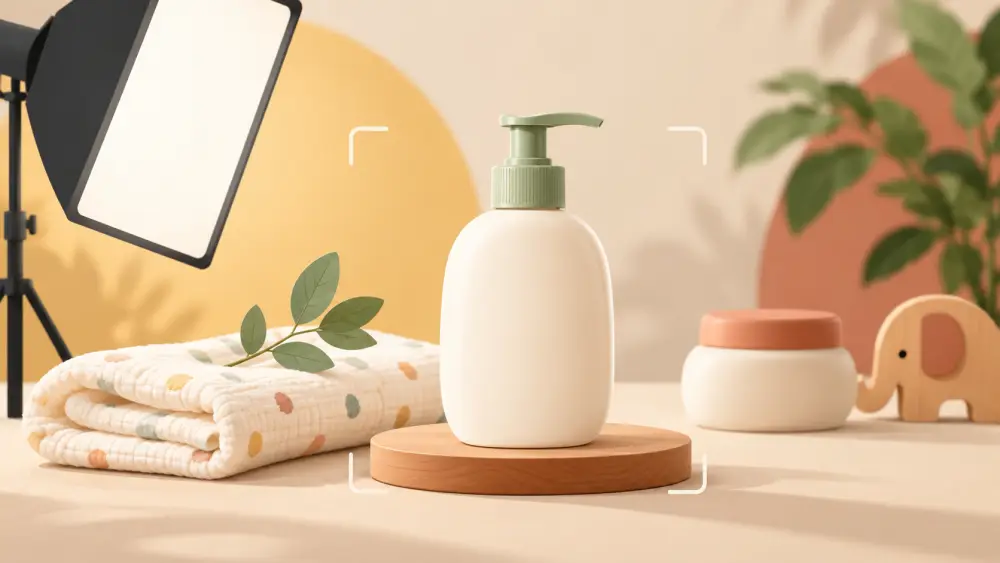
A parent shopping for baby care is cautious. They read labels, look for cleanliness and notice anything that feels off. Your photos should feel like a clean, well-lit room, with nothing cluttered, nothing dark and nothing that makes the product look uncertain.
Choose bright and clean
Use soft daylight from a window and a white or very light background. Pastels also work, such as pale blue or pale sage, as long as the product still stands out. Avoid dark or heavily patterned surfaces. Wipe the product and the surface before every shot, because dust, fingerprints and smudges are more obvious on pale backgrounds. If your room is dim, move the setup nearer to the window, as covered in using window light.
Show the label clearly
Parents check ingredients, age range and directions. Photograph the front of the pack straight on, then the back label, then the ingredient list as a close-up. Make sure text is sharp enough to read when zoomed. Include any age guidance you print on the product, and keep it consistent with your written description.
Show what is in the pack
For items such as wipes, towels, bibs, bottles or nappy-care creams, show the contents. Open the pack and display the item beside it. For a set, lay out every piece in a tidy flat lay, with space between so each is distinct, as in how to do a flat lay. Count the pieces in your photo against the count in the title.
Show size and quantity
Add a photo with a hand or a familiar object to show scale. For clothing and soft goods, show the product folded and laid flat, and add measurements to the listing. Parents need to know whether an item suits a newborn, a toddler or a certain weight range, so state it in words, and make sure the information you give is accurate.
Keep models careful and honest
If you show a baby or a child in photos, you need consent from the parent and a thoughtful approach to safety and privacy. Many sellers choose to avoid people altogether and show only products. If you do include a model, keep the baby comfortable, supervised and fully dressed, and never imply a claim the product cannot support. A flat lay or a nursery-style styled shot can tell the story without a child in the frame.
Texture and quality
Soft fabrics need a close-up to show texture, and the guide to showing fabric texture in photos helps here. For creams and lotions, photograph the container closed and, if you wish, a tiny swatch on clean paper to show colour and consistency. Keep it simple.
Colour accuracy
Pastels shift easily under warm lights. Shoot in daylight, compare the photo against the item and avoid heavy filters. Our note on describing colour accurately will help you write the colour in words.
Shot list
- Front of pack, label readable
- Back label and ingredient close-up
- Opened pack with contents laid out
- Texture close-up for fabric or product
- Scale shot with a hand
- Set or range lineup
- Optional styled nursery-style shot
Go through the product photography checklist before uploading. The aim is not to look fancy. It is to look careful, clean and dependable, which is exactly what a parent wants to see.