
How to show fabric texture in product photos
Side light and close-up shots reveal weave and texture. How to show it truthfully without exaggerating.
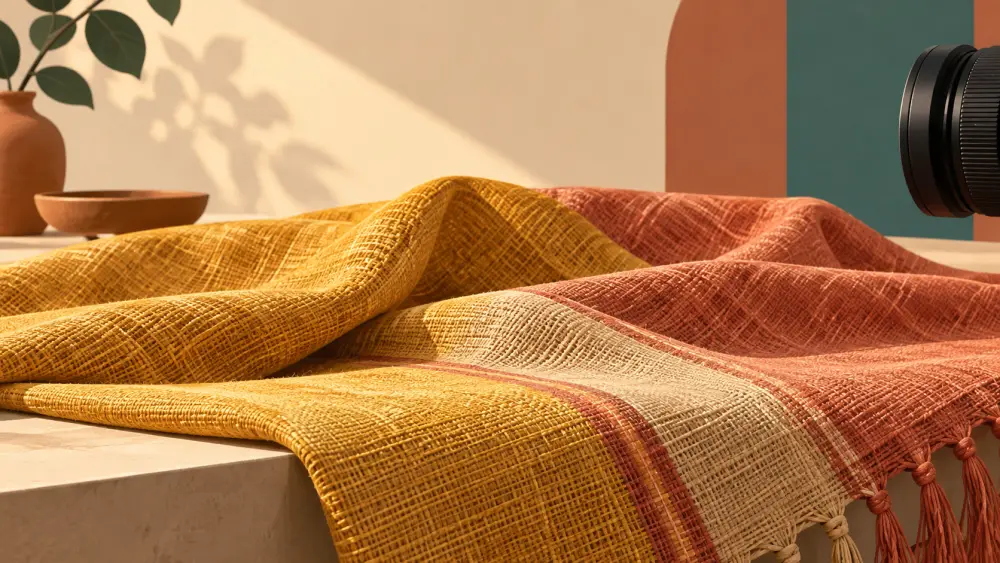
Buyers cannot touch fabric online, so your photos have to do the work. Good texture photos tell them whether a fabric is smooth, rough, knitted, woven or embroidered, which cuts down on returns caused by surprise.
Side light reveals texture
Light that skims across a surface from the side creates tiny highlights and shadows that show every ridge. Light from directly in front flattens it.
Place the fabric next to a window so light hits it at a low angle. Try holding the garment at different angles to the window and watch the screen. See using window light for product photography.
Get close, but keep it sharp
A close-up of a few centimetres of fabric shows the weave. Move the phone closer instead of using digital zoom, which reduces quality. Many phones have a minimum focus distance, so if the image goes soft, back up a little. Tap the fabric on screen to focus. See best camera settings for product photos.
Hold the phone still, as close shots magnify any shake. Lean the phone on something steady and use the timer, as in keeping photos sharp without a tripod.
Use a coin or hand for scale
Close-ups with nothing for scale can mislead. A finger or a coin beside the fabric tells the viewer how large the weave really is.
Shoot several kinds of shot
- Flat close-up: straight on, for pattern and weave.
- Angled close-up: from a low angle, to show pile, nap or embroidery lift.
- Drape shot: gently bunched or hanging, to show how it moves.
- Stretched shot: if the fabric has stretch, hold it lightly pulled.
Prepare the fabric
Steam out wrinkles that are not part of the design, and remove lint or pet hair, which look like defects at close range.
Do not exaggerate
Heavy contrast or sharpening in editing can make a plain cotton look like a luxurious weave. Buyers will notice when it arrives. Keep edits light, and describe the fabric in words as well: weight, handfeel, stretch and care. The point of a texture photo is truth, not glamour.
Pair photos with a plain description
State the fibre content and what it feels like: soft, crisp, light, heavy. Follow the same wording style across your catalogue, as in keeping product data consistent.
Where this matters most
Sarees, ethnic wear, T-shirts, home furnishings and anything where feel matters. See photographing sarees properly and how to start selling clothing online in India.