
WhatsApp catalogue vs your own store, what is the difference?
A chat-based catalogue shows your products inside WhatsApp, while your own store adds a cart, checkout and order records, and the gap shows up at around ten chats a day.
Two different things
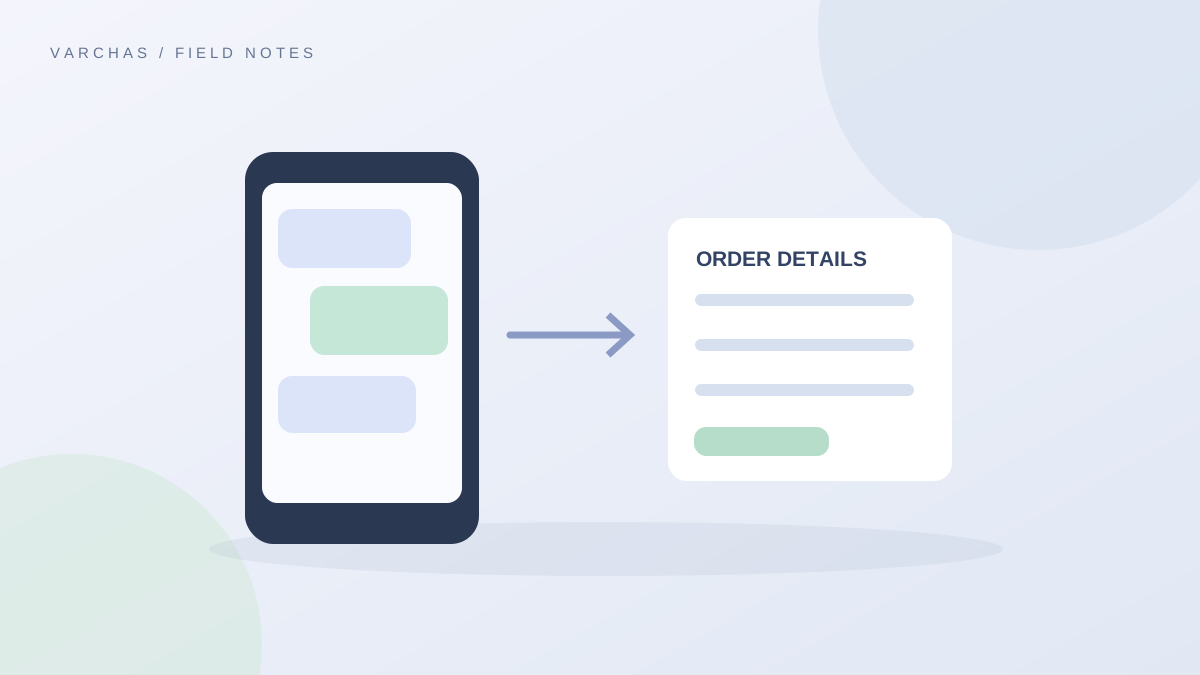
A WhatsApp catalogue is a way to show your products inside a chat, with pictures, names and prices a customer can scroll through. Orders still happen as conversation. The customer messages, you confirm, you share payment details, and you note it all down.
Your own store is a website where the customer picks products, enters the address, pays and receives a confirmation without needing you in the loop. You stay in charge, and the work of recording the order is done for you.
Neither is wrong. They suit different stages. Features offered by WhatsApp itself change from time to time, so check the app for what it offers today rather than relying on someone's old list.
A day with ten chats
Imagine you get ten order chats a day. For each one you probably do these steps by hand.
- Answer "price?" and "available?" again.
- Ask for the full name, address, pincode and phone.
- Check the pincode is one you can deliver to.
- Share your UPI details and wait for a screenshot.
- Write the order in a notebook or sheet.
- Send the shipping details later.
If each chat takes ten minutes, that is over an hour and a half a day, and every step is a place for a typo or a forgotten message. That time is spent before you have packed a single parcel.
With your own store, many of those steps move to the customer: she chooses the item, types her address, pays and gets a confirmation. You see the finished order in one list. Our post on why WhatsApp orders are great until they are not lays out the same pattern.
Comparing them
A chat-based catalogue is good for:
- Starting out with zero setup.
- Customers who like to talk before buying.
- Very low order numbers.
Your own store is good for:
- Taking orders while you sleep or pack.
- Keeping customer and order records in one place.
- Collecting addresses in a consistent format.
- Handling online payments and cash on delivery cleanly.
- Showing your brand under your own link.
Our fuller comparison is in WhatsApp Business catalog vs your own store, and why selling in Instagram DMs stops working covers the same problem on Instagram.
You can use both
You do not have to choose. Many sellers keep WhatsApp for conversation and send customers a link to the store for checkout. If someone still prefers to order by chat, you can enter the order yourself. On Varchas Stores, the admin supports adding orders by hand, and our post on how to create an offline WhatsApp order shows how, so every order ends up in the same list.
When to move
Signs it is time to build a store:
- You spend more time typing details than packing.
- You have mixed up an address or missed an order.
- Customers ask for a cart or an order status.
- You want to see your numbers in one place.
You can move gradually. Add the store link to your WhatsApp status, your business description and your Instagram bio. Reply to chats with the link first, and handle special cases by hand. Keep the personal touch that makes chat valuable, and let the store take on the repetitive work.