
"What is a pickup request? (and how to prepare for the courier)"
A pickup request is your booking for a courier to come and collect your packed parcels, and it works best when everything is sealed, labelled and ready before the rider arrives.
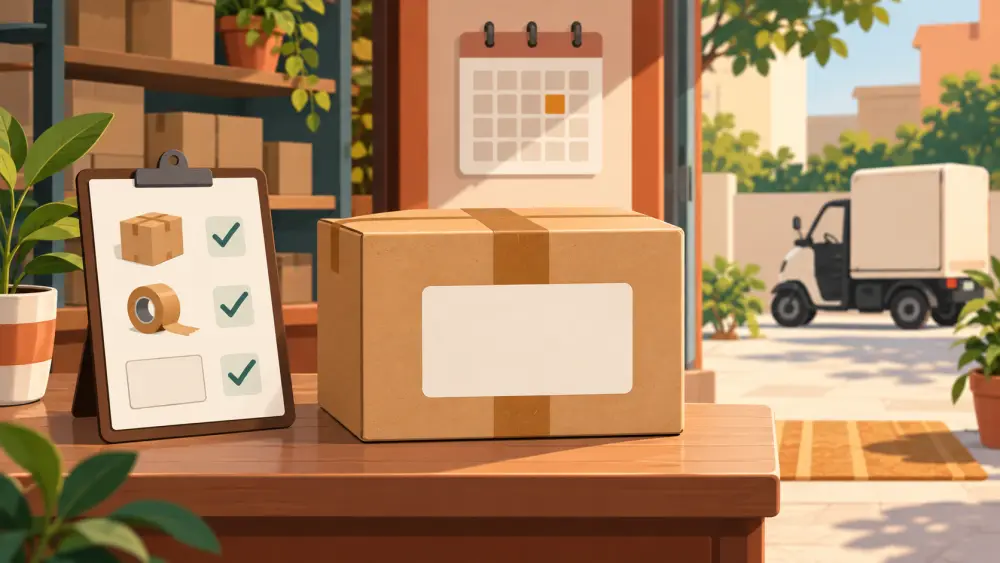
After you book a shipment, a second step often follows quietly in the background. A pickup is scheduled so that someone actually comes to collect the parcel. That scheduling is the pickup request, and understanding it saves you from the classic scene of a rider standing at your door while you hunt for tape.
What it actually is
A pickup request tells the courier or aggregator which address to visit, roughly when, and how many parcels to expect. Some platforms create it automatically when you book. Others ask you to confirm a date. Either way, you are promising that parcels will be ready when the rider turns up.
I cannot tell you how fast a pickup happens or what slots are available, because that depends on your area, your courier and the day. Treat any timing you see on screen as an estimate and plan a buffer. If a pickup is missed, what to do when a courier misses pickup lays out the steps.
Get the pickup address right
The pickup address is where the rider goes, and it can be different from your registered business address. If you run the business from home, use the address where the parcels will actually be, with a landmark and a working phone number. Keep your phone reachable during the likely pickup window.
In Varchas Stores you can choose the pickup address used for Shiprocket bookings in Settings. Choose a Shiprocket pickup address in settings shows where.
A packed-and-labelled checklist
Before the rider is due, walk through this list once.
- Every parcel is fully sealed, with tape on all seams.
- The label is printed, flat, readable and on the largest face. The barcode is not creased.
- The order ID on the label matches the item inside. Mix-ups happen most when you pack several orders at once.
- Parcels are in one place near the door, not scattered around the house.
- The count of parcels matches what you booked.
- Fragile items are marked and cushioned. See how to pack fragile items for courier.
- A pen and a spare label are handy in case something needs fixing.
- You have a record of what is going out, even a simple photo of the stack.
When the rider arrives
Hand over the parcels, and ask the rider to scan them in front of you if that is part of their process. Do not rely on memory later. If there is a handover sheet or manifest, check the number of parcels on it against yours before you sign or accept it. Take a quick photo of the parcels leaving, which is useful if a dispute comes up. Evidence to keep for damaged or lost parcel claims explains why.
Build a pickup rhythm
If you ship regularly, pick one fixed time of day when you pack and one when the rider usually comes. A daily cut-off time for orders makes this easier, because everything ordered before the cut-off goes out in the same pickup. Customers see predictable dispatch, and you stop packing at odd hours.
A small seller can get through most pickup problems with three habits. Pack before the booking, not after. Keep the phone on. Check the count at handover. None of these needs software, only a little discipline, and they make the whole shipping flow calmer.