
What is a payment link? (and when to send one)
A payment link is a web address the customer taps to pay a set amount, which is useful when an order is agreed over chat and you want a clean way to collect.
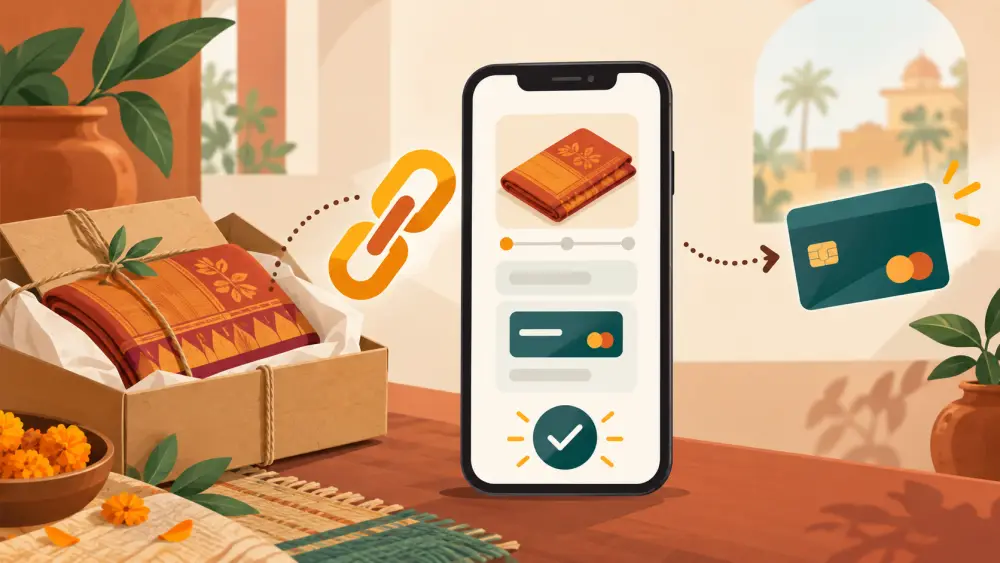
A payment link is a web address that opens a payment page for a specific amount. The customer taps it, chooses UPI or a card, pays, and you are told that it was done. It saves you from sharing account details and from chasing screenshots.
When it is useful
Payment links suit orders that begin outside your store. A few typical moments:
- A customer wants a custom item that you quote over WhatsApp.
- A repeat customer asks for "the same as last time."
- An order is agreed by phone and you want to collect before making it.
- You need a part payment, such as an advance for something made to order.
A custom order example
Say Anita wants a personalised wooden nameplate. She sends her house name and the size she wants on WhatsApp. You agree on Rs 1,800 including shipping. Instead of asking her to transfer money and send a screenshot, you send a single link for Rs 1,800. She taps it, pays and you start work. There is no doubt about the amount, and the payment is easy to match.
What a good payment link message includes
- What the payment is for, in words. "Wooden nameplate, 12 by 6 inch, text as agreed."
- The exact amount and what it includes.
- When you will dispatch or finish once it is paid.
- A line saying who to contact if the link does not open.
Safety habits
- Only send links that you created yourself, through your payment provider.
- Tell customers the link comes from you, and that if they receive a link they did not expect, they should ask you first.
- Do not accept a link from someone else asking you to pay to receive an order.
- Never send a link for a different amount than the one you agreed.
What the Varchas code shows
I searched the Varchas code for a payment link generator and did not find one. So I will not say that the platform creates payment links. What it does support is a manual order flow, so when an order is agreed over chat you can enter it in the admin yourself and record how it was paid, as explained in how to create an offline WhatsApp order. If a customer pays you directly by UPI, mark the order accordingly, as in marking WhatsApp orders as already paid via UPI. If you want a payment link, check whether your payment provider's dashboard offers one, and read their current terms.
Link or QR?
A QR code is good when you are face to face or sending an image. A link is good when you are sending text. Both work, but a link carries a fixed amount, which cuts the chance of a wrong payment. For the basics of paying by UPI, read what is UPI.
Next step
Write a template message for custom orders with blanks for item, amount and dispatch time, and save it in your WhatsApp quick replies.