
What is a collection or category? (and how to organise one)
A collection or category is a named group of related products, like Under Rs 999 or Festive, that helps shoppers find things without scrolling the whole catalogue.
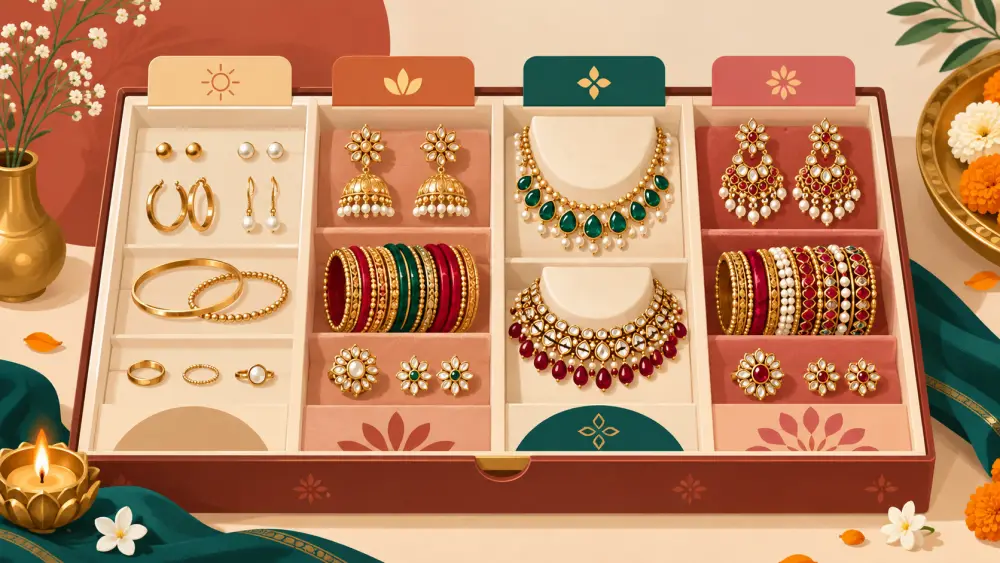
A collection, or category, is a group of products under one heading. Think of the sections in a physical shop: sarees on one wall, bangles in a glass case, a table of sale items by the door. Online, these groupings do the same job. They help a shopper reach what she wants without scrolling everything you sell.
A small jewellery catalogue
Say you sell handmade jewellery and have 40 pieces. A shopper who lands on your shop sees a long grid. Some groupings that could help:
- By type: Earrings, Necklaces, Bangles
- By budget: Under Rs 999
- By occasion: Festive, Office wear
- By style: Oxidised, Pearl
Notice that one earring can sit in several of these at once. A pair of oxidised jhumkas is an earring, is under Rs 999 and is also Festive. This is the main difference between a category and a physical shelf: one product, many places.
How to choose your groupings
- Start from how customers ask. If they message "any earrings under 500?", Under Rs 500 is a collection waiting to exist.
- Keep it small. Five to eight groups are easier to take in than twenty. Too many groups send shoppers on a hunt of their own.
- Use plain words. "Festive" is clear. "Utsav Edit Vol 2" is not.
- Do not make a group for a single product, unless it is a deliberate showcase.
- Review each season. A "Festive" group gets stale after the festival. Retire or refresh it.
How to organise products into collections and categories goes into this at more length.
Category versus filter
A category is a heading you choose. A filter lets the shopper narrow whatever she is viewing by an attribute. Both help, but they are different tools. Do not build a category for every possible filter.
What the Varchas code shows
I looked for collections in the admin and storefront. What I found is the product type: every product has a Type, you manage the list yourself in Settings under the Catalogue tab, and the shop page filters by it. So in Varchas, a type like Earrings, Necklaces or Bangles is verified. I did not find budget-based or occasion-based collections, such as Under Rs 999, as separate features in the code, so do not assume them. You can still use words like "Festive" in product names and descriptions, and your Instagram can link people to the shop.
For setting up types, read product types and the type dropdown.
Product names help too
Clear names make groups work, even without special features. Include the type and the style in the title: "Oxidised Jhumka Earrings". Product title formula for Indian sellers has a pattern you can follow.
Next step
Write your catalogue on paper and sort it into five piles. Name each pile in the words your customers use. Those names are your starting categories.