
How to organise products into categories customers understand
Good categories follow how a customer thinks, not how your workshop is arranged. A simple approach to naming and structuring them.
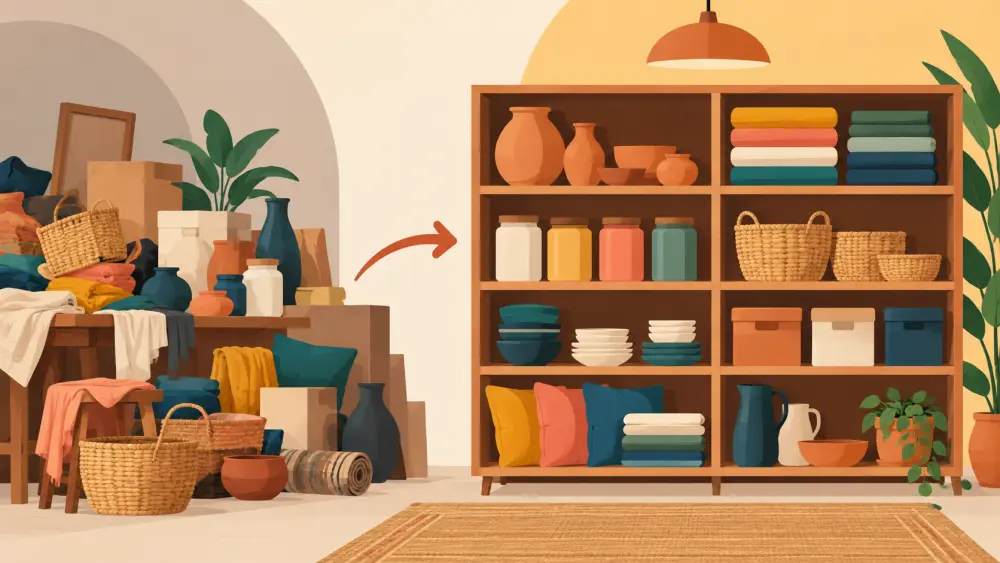
When you have eight products, categories barely matter. When you have eighty, they decide whether a customer finds what they came for or leaves. The trick is to organise by how the customer thinks, not how you make or store things.
Start from the customer's question
A shopper arrives with a need: "a gift for my sister", "something for the kitchen", "a kurta for office". Your categories should be answers to questions like these. Ask yourself what a first-time visitor would type into Instagram search or say to a friend, then use those words.
Avoid labels that only make sense inside your business, such as "Batch 3", "Summer lot" or your supplier's code names.
Keep the tree shallow
Two levels is plenty for most small stores. For example:
- Clothing: Kurtas, Tops, Co-ords
- Accessories: Bags, Scarves
- Gifts: Under a budget, Festive
Deep trees force customers to click through three screens before seeing a product. If a category would hold only one or two items, merge it into a neighbour until it grows.
One product, one home
Decide the main category for each product and stick to it. If a product genuinely belongs in two places, such as a tote bag that is both an accessory and a gift, pick one as its home and mention the other in the description. Duplicating products across categories leads to stock confusion and messy reporting.
Name things plainly
- Use the word buyers use: "Sarees", not "Six yard drapes".
- Keep singular or plural consistent across all categories.
- Avoid clever names that need explaining. "Everyday kurtas" beats "Daily poetry".
- Do not use a category called "Others" or "Misc". If a product does not fit, your structure is missing a category.
Check it against your catalogue size
If you only sell one type of product, you may not need categories at all. A small, focused range is often easier to browse, as discussed in the case for a smaller catalogue. Add categories when the grid becomes long enough that scrolling feels like work.
Test it with a real person
Give a friend a list of your categories and ask them where they would look for three specific products. If they hesitate or guess wrong, rename or rearrange. Five minutes of this saves weeks of customers quietly leaving.
Plan it before you upload
Write your category structure in a spreadsheet next to your product list before you enter anything in the store. That way you move products into the right place once instead of rearranging later. A step-by-step version of that planning is in how to plan your catalogue before you upload.
Categories are not decoration. They are the signboards of your shop, and they work best when they sound like your customer, not like you.