
From Instagram bio link to your first order
The full journey of moving a brand from Instagram DMs to a real store, from setup to the first sale.
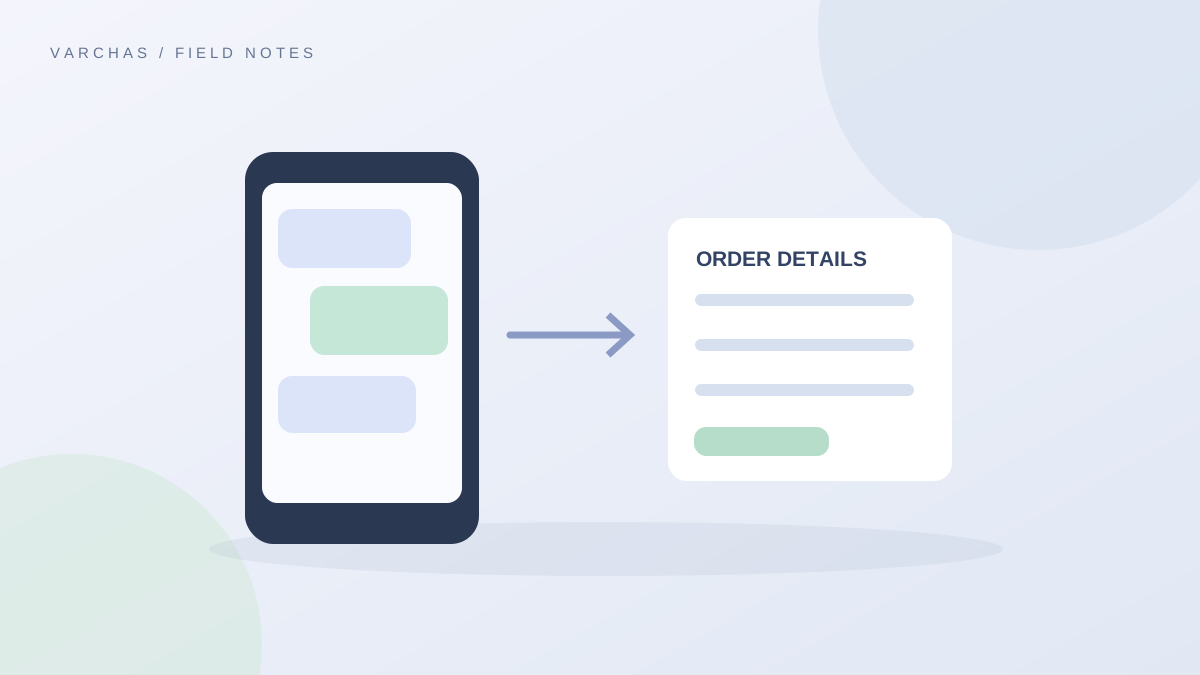
Most small brands in India start the same way: an Instagram page, a growing set of followers, and a system of taking orders through DMs that works fine until it does not. This post walks through the whole journey of what changes when that page gets a proper store behind it, end to end, from the first conversation to the first order that comes through it.
Where most brands start
Before a store exists, the pattern is familiar. A customer messages you interested in a product, you check availability manually, you send a UPI QR code or a payment link, you wait for confirmation, and then you note down the shipping address by hand. Every single order repeats this entire sequence, which caps how many orders you can realistically handle before something gets missed.
Setting up the store
Getting a store does not mean starting from zero. It means taking the brand and catalogue you already have and setting it up properly, worked through together rather than configured alone, as covered in how the first week of setup goes. Your products get set up with their actual colourways and sizes, your payment methods get connected, and your store gets a link, whether that starts as yourbrand.varchas.store or moves to your own domain.
- 1Choose the range
- 2Prepare product details
- 3Set up operations
- Test the buying journey
Putting the link where your customers already are
Once the store is live, the simplest first step is putting that link where your Instagram bio link currently sits. This alone changes the customer journey immediately: instead of messaging you to ask about a product, a visitor clicks through, browses your actual catalogue, and can complete a purchase without waiting for a reply from you.
What the first order actually looks like
A customer picks a product, chooses their size and colour if applicable, and pays through UPI, cards, netbanking, or Cash on Delivery. They get an order confirmation email immediately, and the order appears in your admin with its own invoice already generated, covered in more detail in this post on invoices and order emails. There is no screenshot to wait for, and no address to copy down manually.
- 1Catalogue
- 2Checkout
- 3Order record
- Fulfilment
What changes for you day to day
After the first order, running the store becomes a matter of checking your admin for new orders, much like checking DMs, except everything is organised, timestamped, and already documented. If a customer starts checkout but does not finish, that shows up as a Lead you can follow up on, rather than disappearing entirely.
Growing beyond the first order
Once orders are flowing, the rest of what a store offers becomes useful naturally: coupons for a seasonal push, a wishlist for browsers who are not ready yet, and an email list you can start building from day one. None of these need to be figured out on day one, they layer in as your brand and store both grow.
The real shift
The actual shift here is not cosmetic, it is structural. Instead of your entire sales process running through your own attention and memory, it runs through a system that tracks stock, payments, and orders on its own, freeing you up to focus on the parts of the brand that actually need you, the product, the design, and the customers who need a real reply.
Next step
If your Instagram bio link currently points to nothing more than a DM prompt, this is the shift worth making next. The Founding Offer covers the first 10 stores, with setup done together and no setup fee. Get in touch at /early-access.