
Can I send SMS order updates to customers from my store?
Not at the moment. The SMS row in Analytics and alerts shows Not connected, and here is what is behind that and what to use instead.
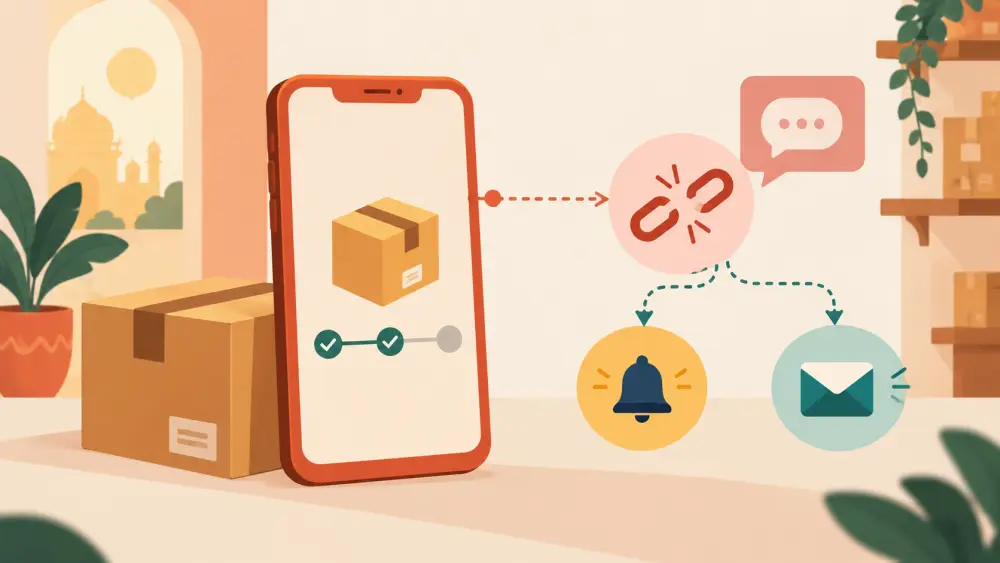
Many Indian shoppers expect a text message when they order. It is a fair thing to look for. At the moment, though, Varchas stores do not send SMS updates, and the admin is upfront about it.
What you will see
Open Admin, then Settings, then the Analytics and alerts tab. At the bottom of the card, below the four fields, there is a row labelled SMS. Its note reads "needs a provider and DLT registration, not set up yet", and the pill next to it says Not connected in grey.
There is no text box and no switch on that row. That is intentional. There is nothing there for you to turn on.
Why there is no switch
The reason is in two parts.
No provider is connected. Sending a text message needs an SMS service behind it: an account with a provider, keys to send, and a sender identity. Nothing like that is wired into the store yet, so a toggle would have nothing to switch on.
DLT registration. Messages to Indian numbers generally pass through a registration step called DLT before they are delivered. That registration is done outside Varchas, with your business details, and it is a separate process with its own paperwork. If you want to understand it in depth, ask your SMS provider or a professional who handles it.
The store deliberately keeps this row greyed out rather than showing a switch that nobody could safely use. A toggle that appears to work but delivers nothing is worse than an honest "not set up".
What customers get today
Your customers are not left without updates. They receive emails when their order changes status, and the order has a page they can open to see where it stands. See order tracking your customers can trust and do customers get emails on status updates for what those look like.
Your own new order alerts also come by email, using the Order Alert Email field, described in getting an email when a new order arrives.
What you can do yourself in the meantime
If your buyers like to hear from you by message, you do not need a store feature for the personal touch:
- Send a short WhatsApp message yourself when you dispatch a parcel, using the tracking link from the order.
- Share the order link with the customer. Sharing an order link shows how.
- Put a line on your product pages saying how and when buyers will hear from you.
A short personal note is often warmer than an automated text anyway, particularly while your order volume is small enough to manage by hand.
What this post does not promise
This page describes what the admin shows today. It does not say that SMS is coming or when. If that changes, the SMS row will show it, and the setting will stop reading Not connected. Until then, plan your customer communication around email and your own messages.
Quick summary
- SMS appears in settings as Not connected, with no switch.
- It needs a provider and a DLT-registered sender, neither of which is set up.
- Email updates and order pages cover the same ground for now.
- A personal WhatsApp message is an easy extra for dispatches.