
What is a favicon? (and why it matters for your store)
A favicon is the tiny icon beside your store name in a browser tab, and a clean square logo works best because it is shown so small.
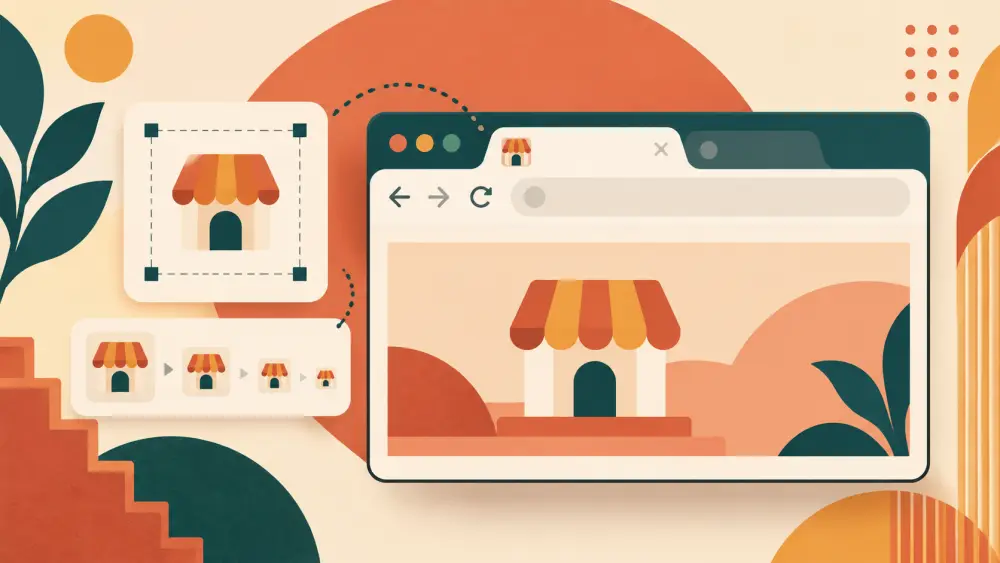
Look at the top of your browser. Each open tab has a small icon next to the page name. That icon is called a favicon. On a store it is usually a tiny version of the logo, and it shows up in browser tabs, bookmarks and sometimes in saved shortcuts.
Why it is worth a few minutes
It is a very small thing. But it does a quiet job. A shopper with ten tabs open, comparing two brands, will find your tab faster if it carries a recognisable mark. And a store with the default blank icon looks a little unfinished next to one with its own. What a website says about a brand before anyone buys touches on this kind of detail.
An example with a logo
Suppose your brand is "Sutra Studio" and your logo is the full name set in a wide, thin font beside a small lotus. At 16 pixels across, which is how large an icon can appear in a tab, the words become unreadable smudges. Only the lotus would survive.
So for a favicon, use the part of the logo that works small:
- A single letter, like a bold S in your brand colour.
- A simple symbol, such as the lotus alone.
- A monogram with strong contrast.
Tips for the image
- Make it square. Browsers shrink it to a square, and a wide logo gets squeezed or cropped.
- Start large. A clear square of several hundred pixels on each side gives you room to scale down without blur.
- Use bold shapes. Fine lines and thin text vanish at small sizes.
- Keep strong contrast between the mark and its background.
- Leave a little padding around the edges so nothing gets clipped.
- Check it on both a light and a dark browser theme.
- Test by shrinking the image on your own screen until it is about as small as a thumbnail. If it still reads, it will work.
JPEG vs PNG vs WebP for product images can help you pick a file format for the original. PNG is a common choice for logos with sharp edges.
What the Varchas code shows
I searched the admin settings and storefront code for a favicon upload field and did not find one, so I will not tell you that you can upload your own favicon in the admin. What I did find is that the storefront's structured data uses your logo, not a favicon, as the brand image shown to search engines, which has its own size needs. Use the admin to set up your logo and your store identity, and see what can I change in my store settings for what is actually available.
Brand consistency beyond the tab
Whatever icon you use, keep it consistent with your Instagram profile picture, your WhatsApp Business photo and your packaging. Repetition is what makes a small mark memorable. How to build a simple brand photo style guide is a good next read.
Next step
Open your logo file and crop a square version that still looks clear when it is as small as your thumbnail. Save it as its own file. You will use it everywhere, even where a tab icon is not on offer.