
What is a backorder? (and why it matters for your store)
A backorder means taking an order for something you have run out of, with a promise of when it will ship, and the whole thing lives or dies on that promise.
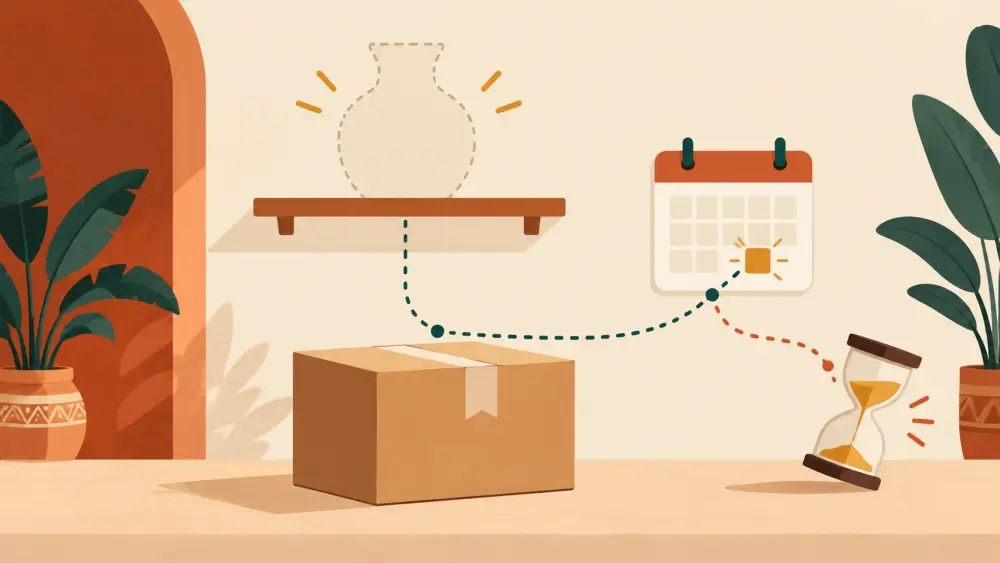
A backorder is an order you accept for a product that is currently out of stock, on the understanding that you will ship it once fresh stock arrives. The customer pays, or at least commits, today, and waits. That is the whole idea. It sounds simple, but it asks a shopper to trust you with their money for something they cannot have yet.
A quick picture
Say you sell hand-block-printed cushion covers. The mustard set sells out on Monday. By Tuesday three people ask if they can still get it. Your printer says the next lot is ready in about two weeks. If you tell those three, "Yes, I will send it as soon as the lot is ready, around the end of the month," and they agree, you have just taken three backorders.
Why sellers like the idea
Interest is rarely patient. If a shopper lands on a sold-out page, many simply leave. A backorder keeps that interest alive and tells you how much to reorder. If five people are willing to wait for the mustard set, you know it is worth printing more than you planned.
Where it goes wrong
The risk is not the waiting. People wait for things they want. The risk is a vague promise that quietly slips.
- "Ships soon" means something different to you and to the customer.
- A supplier delay becomes your delay, and the customer only sees you.
- The customer forgets, then is surprised by a parcel or a message weeks later.
- A cheaper or faster alternative appears and they want out.
Delay disappointment is the real cost. A customer who waits three weeks for something you said would take ten days is more upset than one who was told "sold out" on day one.
How to do it responsibly
- Give a specific ship-by date, not a mood. "Ships by the 25th" is better than "in a couple of weeks."
- Add a cushion. If your supplier says ten days, quote fourteen. Beating a date feels good, missing it does not.
- Be clear about what happens if you miss it. Decide in advance whether the customer can cancel and get their money back, and say so.
- Message them once when stock arrives and once when it ships. Silence in the middle is where trust leaks.
- Do not take more backorders than your next lot can cover. Count the lot, then stop at that number.
What about your own store tools
I looked through the Varchas store code for a backorder or waitlist feature and did not find one. A product's stock is tracked per size and colour, and a sold-out option is simply sold out. So if you want to run a backorder today, treat it as a manual arrangement: take the order over WhatsApp, note the ship-by date in the chat, and create it as an offline order. How to create an offline WhatsApp order walks through that. If you do not want the manual work, simply tell interested customers you will message them when it is back.
The honest alternative
Sometimes the kindest option is to not take the order. If you cannot give a date you believe in, say "sold out, back soon" and let them come back. For overselling mistakes, which are a different problem, see dealing with overselling and out-of-stock orders.
One line to remember
A backorder is a promise with a date on it. If you are not confident about the date, you are not ready to sell it. If you are planning a limited, announced release instead, what is a drop is a cleaner model, because the stock and the timing are stated up front.