
Which Instagram Highlights should a small shop have?
A short, useful set of Highlights such as How to order, Delivery, Reviews and FAQs, and what to put inside each one.
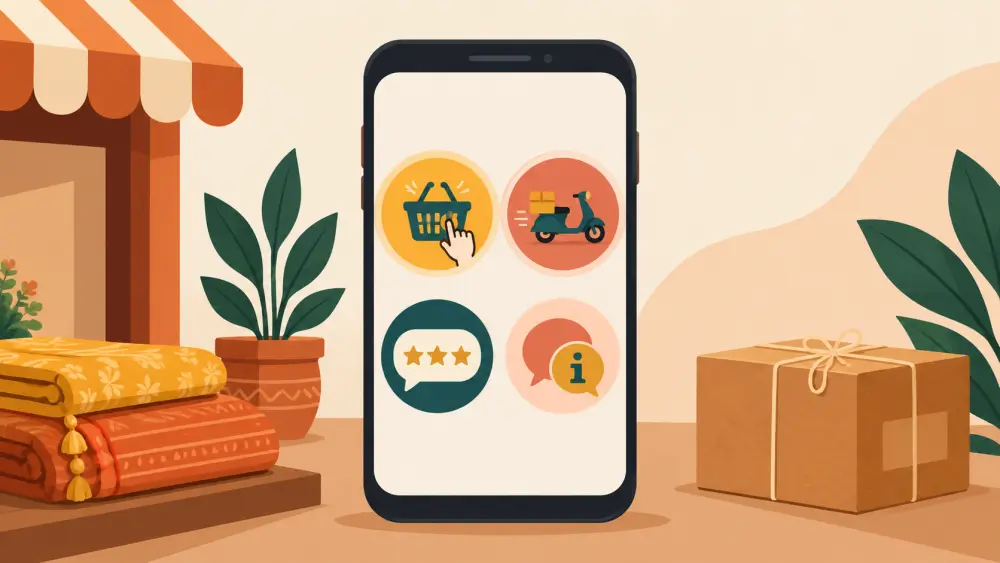
Stories vanish after a day, but Highlights stay on your profile. Think of them as the shelf of leaflets near a shop counter. A new visitor can pick the one they need. For a small shop, four to six Highlights are plenty. More than that and the row looks cluttered.
A starter set
How to order. Show the steps with screenshots. Open the store link, choose a product, pick a variant, check out. A few slides, each with a short line of text. If you accept UPI and cash on delivery, say so.
Delivery. Tell buyers how long delivery usually takes, which places you ship to and how you pack. Only state times you can stand behind. If you want a guide to honest timelines, read setting honest delivery-time expectations.
Reviews. Screenshots of kind messages from customers, with their permission. Cover names or numbers if they have not agreed to show them. Read how to ask permission to repost customer photos for a polite way to ask.
FAQs. The questions you answer most often, one per slide. Price, sizes, care, returns, custom orders. Each slide is a reply you never have to type again.
New in. Your latest launch. Replace the slides when you drop something new.
Behind the scenes. Packing, making, sourcing. This shows real people and real work, which builds familiarity.
Order matters
Put the most useful Highlights first, left to right. A first-time visitor usually wants "How to order" and "Delivery" before anything else. Put "Behind the scenes" last.
Keep slides short and legible
Use large text on a plain background. People watch Highlights on small phone screens, often with the sound off. One idea per slide. If a slide needs a paragraph, split it.
Start small
You do not have to build all six on day one. Begin with How to order and Delivery, since those answer the two questions every new visitor has. Add the rest as you collect real reviews, real questions and real behind-the-scenes clips to put in them.
Update them
An outdated Highlight is worse than none. If your delivery time changes or you stop a service, edit the slide that day. Set a monthly reminder to flip through all your Highlights and check them against how you really work today.
Link them to the store
At the end of "How to order" add a slide that says "Shop at the link in bio". That keeps one clear next step. For the thinking behind a single link, see what to put in your Instagram link in bio.
What not to claim
Do not tell yourself that Highlights directly raise sales. They answer questions in advance, which lets visitors decide with less friction. That is the honest benefit, and it is enough.
Make covers later
Do the content first. Covers can be added afterwards, and a plain colour with a simple icon is perfectly good. If you want free ways to make them, read how to design Instagram highlight covers for free. A small shop with four useful Highlights beats a big shop with ten messy ones.