
How to use a white card or foil as a reflector for product photos
A piece of white card bounces light into the shadow side of your product. How to use it, and when foil is the better choice.
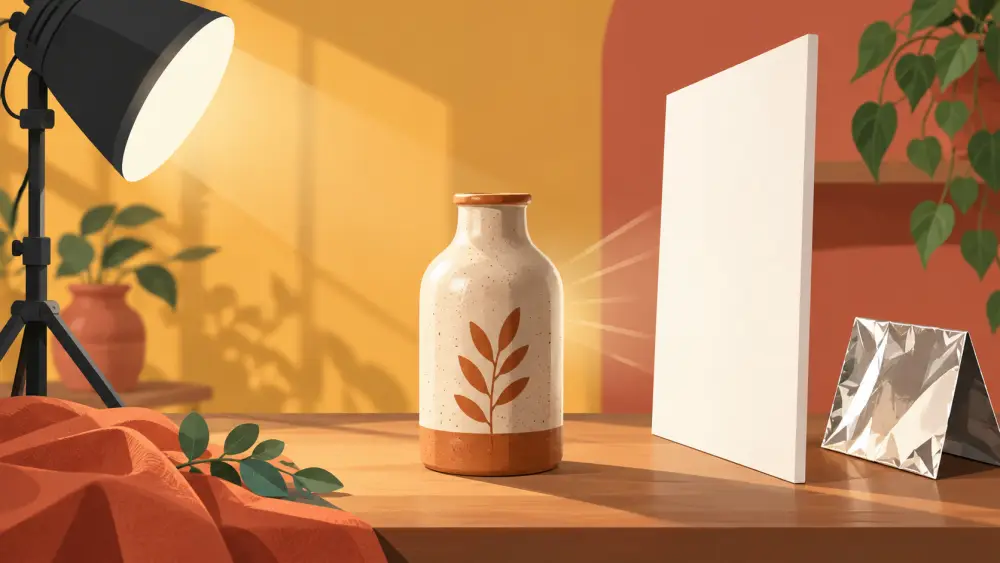
When light comes from one side, the other side of the product turns dark. A reflector bounces some of the light back to fill those shadows. You can make one with chart paper or card for almost nothing.
What counts as a reflector
Any large, light-coloured surface can bounce light:
- White chart paper or card: gives soft, gentle fill. The default choice.
- Silver foil on cardboard: gives stronger, harder fill. Useful when you need more light, but can look harsh on some products.
- A white bedsheet or wall: works in a pinch.
Mount your card on a piece of cardboard so it stays flat, or prop it against a book or box.
Where to place it
The reflector goes on the side opposite your light source. If the window is on your left, put the reflector on your right, just out of frame, angled towards the product.
Then adjust:
- Closer to the product gives stronger fill, softening the shadow noticeably.
- Further away gives subtler fill and keeps some shape in the shadow.
- Angle it up or down until the shadow brightens where you want it.
Look at the shadow, not the card
While adjusting, watch the shadow side of the product on your screen. You are not trying to remove the shadow entirely. A little shadow gives the product depth. Too much fill makes it look flat.
Make a small kit
Keep a few pieces:
- Two sheets of white card
- One piece of card covered in plain foil, smooth side out and wrinkles pressed flat
- A black card, for the opposite effect when a product looks washed out
Black card absorbs light and deepens shadows, which is handy for shiny items where you want stronger edges.
Combine with soft window light
Reflectors work best with soft light. Start with window light and a curtain, then add the card. If shadows are still a problem, read avoiding harsh shadows.
Know the limits
A reflector helps, but it will not fix everything. Very dark products, reflective items or products with deep recesses may still show uneven light. Try it, check the photo at full size, and adjust. I would not promise the same result for every product, and some items will need patience.
Keep the card clean
Marks and creases show up in reflections on shiny items. Replace cards when they get dirty.
Practise on a test product
Spend ten minutes photographing one object with no reflector, then with white card, then with foil. Compare the three on screen and note the differences. After that you will know which to reach for.