
How to shoot a clean unboxing video for your own products
Plan the opening flow, frame the hands properly and capture clear sound so your unboxing video shows exactly what a customer receives.
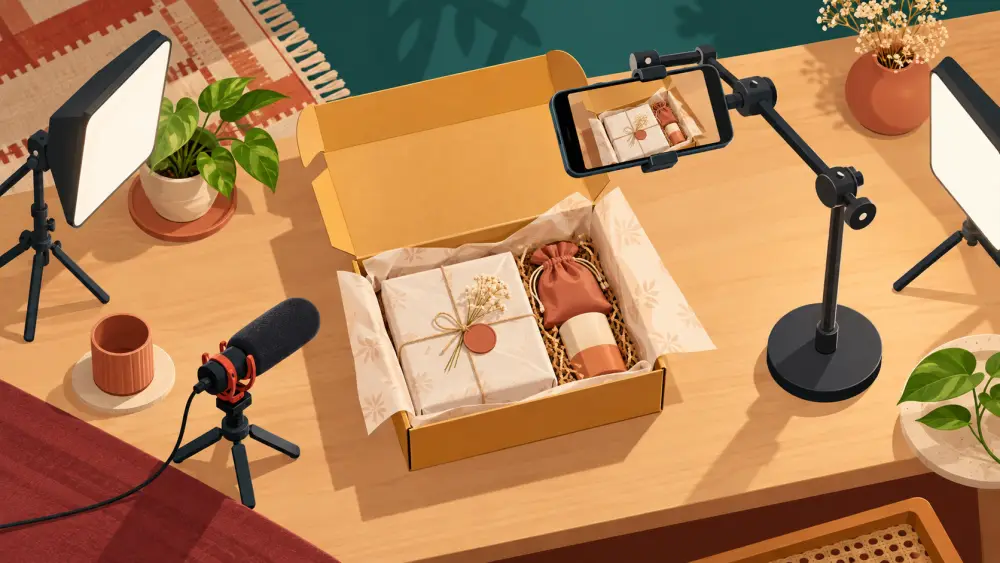
An unboxing video shows the moment a customer opens your package. For a seller, it is a way to show exactly what arrives: the outer box, the wrapping, the product and any extras. It builds familiarity before the order, and it sets honest expectations. You do not need to claim it boosts anything. Simply make it clear and truthful.
Use a real package
Shoot using the same box, tape, filler and wrapping that you actually ship with. If your video shows a beautiful gift box that customers do not receive, you create disappointment. If your packing is plain, show it plainly. If you offer a gift-wrap option, say so and show it separately.
Choose a simple setup
A clean table, a plain backdrop and soft light is enough. Position the phone overhead, looking down at the table, or at a slight angle in front. An overhead position is easy because it keeps the camera still and shows hands and package together. Use a tripod or a stack of books, and keep the frame wide enough that the box stays inside as it opens. For light, see window light.
Plan the opening flow
Before recording, write the steps and practise once. A reliable flow:
- Closed package on the table, with the label or branding visible but any personal address hidden.
- Opening: cut the tape, lift the flap, remove filler.
- Reveal: lift out the product and pause so the viewer can see it.
- Extras: lay out any card, sample or accessory.
- Close view: hold the product to the camera, turn it gently, show details.
Do each step slowly. Fast hands look chaotic on screen. If you stumble, pause and restart the step, and cut it out later.
Frame the hands well
Keep your hands in the lower part of the frame, moving deliberately. Clean nails, no distracting rings or loose bracelets, and sleeves rolled back. Avoid blocking the product with your hands. When you reveal the item, lift it into clear view and hold it still for a second or two.
Protect privacy
Never show a real customer's name, phone number or address on a parcel label. Use a mock label or cover it. If you show an order in your store's dashboard, check that no customer details appear.
Pay attention to sound
Unboxing has its own sounds: tape, paper, a lid clicking. Some viewers enjoy them, others do not. Record in a quiet room, keep the phone close, and avoid fan or street noise. If you speak, speak clearly and briefly. If the audio is poor, drop it and use captions instead.
Keep it honest and short
Do not exaggerate. Describe the product as it is, referring to your listing. Trim dead moments and keep the clip tight; shorter files also upload easily on slow networks, as covered in keeping product videos small.
Reuse the footage
Cut stills from the video for your social posts, or follow a demo video structure for a second edit. Good packaging also pairs well with order emails and tracking so the whole experience feels careful, from checkout to doorstep.