
How do I handle the send details DM spam under my posts?
A calm process for the send details comments and DMs, so you answer once with a link instead of retyping the same facts all day.
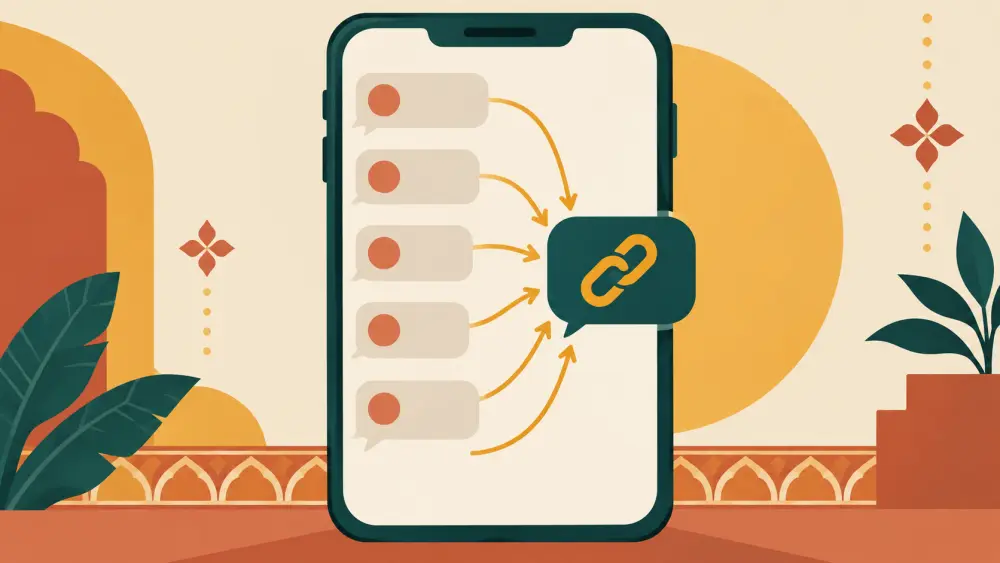
You post a photo. Under it, the comments fill up with "details", "price pls", "send details", "dm". Then the DMs follow. Each one is a possible customer, but typing the same reply fifty times is exhausting. The way out is a process that answers all of them with the same short, friendly reply.
This is not about changing how the platform behaves. It is about how you respond.
Why these messages appear
Many people do not read captions, or they are used to shops that reply with details only after being asked. Some are real buyers, some are curious, some are other sellers. You cannot tell them apart from the message alone, so a good response treats everyone politely and costs you almost nothing.
Step one, decide your standard reply
Write one short reply you can use for all of them.
- Hi [name]. Thanks for your interest. Price, sizes and ordering are all at [store link]. Message me if you have a question after looking.
Three sentences. It gives the link, sets the expectation and invites a real question.
Step two, answer in the comments or DM
For comment-level requests, reply once in the comment with "Details are in the link in bio" or send the link in a DM. Choose one method and stay consistent. Do not feel you must reply to every comment on every post. Prioritise the ones that sound like real buyers, such as those who mention a size or a city.
Step three, put the details in the caption and the store
Everything above works better if the caption already contains key facts. See writing captions that answer price and size questions. Then the standard reply is the backup, not the main route.
Step four, batch your replies
Set two times in the day when you check comments and messages, perhaps late morning and evening. Answer everything in one sitting using your saved reply. This protects your packing time and your patience.
When someone is rude
Some messages are impatient. "Why no price in caption?" Stay warm. "Thanks for asking, the price is Rs [x]. I will add it to the caption next time." You win nothing by arguing. If someone keeps being abusive, block and move on.
Watch for scams
Occasionally, a "send details" message is followed by a link or request that looks suspicious. Never click unknown links in DMs or share bank details or one-time passwords. A real buyer will use your store checkout.
What this will and will not do
A standard reply does not change how many comments you get. It changes what each one costs you. I will not claim any particular drop in workload. Try it for two weeks and notice the difference yourself.
The bigger fix
If most of your orders come from DMs, the real issue may be that Instagram is acting as your shop. The post why selling in Instagram DMs stops working explains why moving buyers to a store link saves you time as you grow. Over time, aim for fewer "send details" messages because the facts are already where the buyer looks.