
What is an abandoned cart? (and why it matters for your store)
An abandoned cart is when a shopper adds items and leaves without paying, often because of a surprise at the last step such as shipping cost.
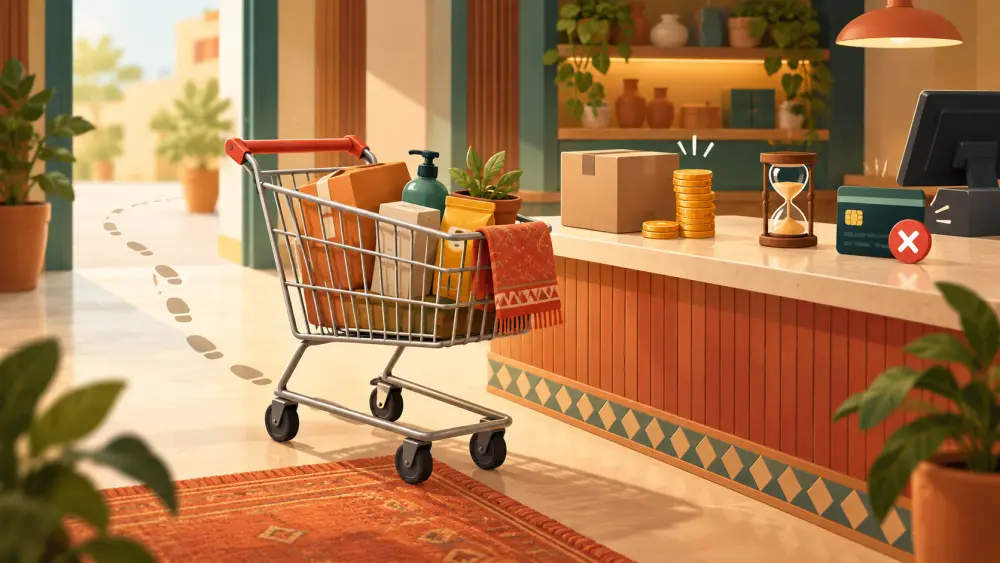
Imagine a customer walks into a shop, fills a basket, and then puts it down by the door and leaves. Online, that happens all the time. The basket is the cart, and leaving without paying is called abandoning it.
The meaning
An abandoned cart is a cart where a shopper added one or more products but did not complete the purchase. They may have gone as far as the checkout page, or only added an item and closed the tab.
It is normal for some people to do this. Not every cart is a lost sale. Some visitors are comparing, some are saving items for later, and some are just curious. But some are real buyers who changed their mind because of something fixable.
Common reasons
Shoppers rarely tell you why. From what sellers commonly find, the usual suspects include:
- A surprise cost. Shipping or other charges appear late and the total jumps. This is a classic reason.
- Delivery to their pincode is not available, which they only learn at checkout.
- Doubts about trust. A new store, no reviews, unclear return policy.
- Not ready to decide. They wanted to ask someone, or to wait for payday.
- Too many steps or too much to fill in on a small phone screen.
- Payment trouble. A UPI app that did not open, or a failed attempt.
- Distraction. A call, a notification, a bus stop reached.
You cannot know which applies to any single person, but you can check your own store against this list.
An example
A shopper adds a Rs 400 pouch to their cart. At checkout, the total becomes Rs 520 because of a Rs 120 charge they did not expect. They close the page. The product price was fine. The surprise was not.
What you can do
You do not need fancy tools to start. Walk through your own checkout on a phone, as a stranger would, and ask:
- Is the delivery cost visible early, or at least clear before the last step? Free shipping threshold vs average order value helps you rethink shipping.
- Is the price in the cart the price at the end?
- Is your return policy easy to find? See writing a return policy for a small store.
- Does the page load quickly on mobile data?
- Are there too many form fields?
- If the customer enters a pincode you cannot serve, do they find out early, or after wasting time? Varchas checks delivery during checkout and shows a message when a pincode is not serviceable, so check how that looks on your own store.
What to be careful about
Do not assume a certain share of carts can be recovered. Do not message customers in ways they did not agree to. If you contact someone about an order they left behind, only do so where they have given you their details and for a reason that is useful to them, such as a question about their order. Automated recovery messages depend on what tools you have set up, so this post does not cover them.
If someone did start a chat with you, a friendly "Did you have any questions about the pouch?" is perfectly reasonable.
How to learn from it
Ask a few recent buyers what almost stopped them. Look at a screen recording or heatmap tool if you use one, such as Microsoft Clarity, to see where people leave. Fix one issue, then watch whether more people finish.
An abandoned cart is feedback, even though it arrives silently. Each time you remove a point of confusion or surprise, checkout gets easier for everyone who follows.