
What is a cancellation window? (and how to set yours)
A cancellation window is the period after ordering when a buyer can cancel without a fuss, and setting yours around your dispatch rhythm keeps both sides happy.
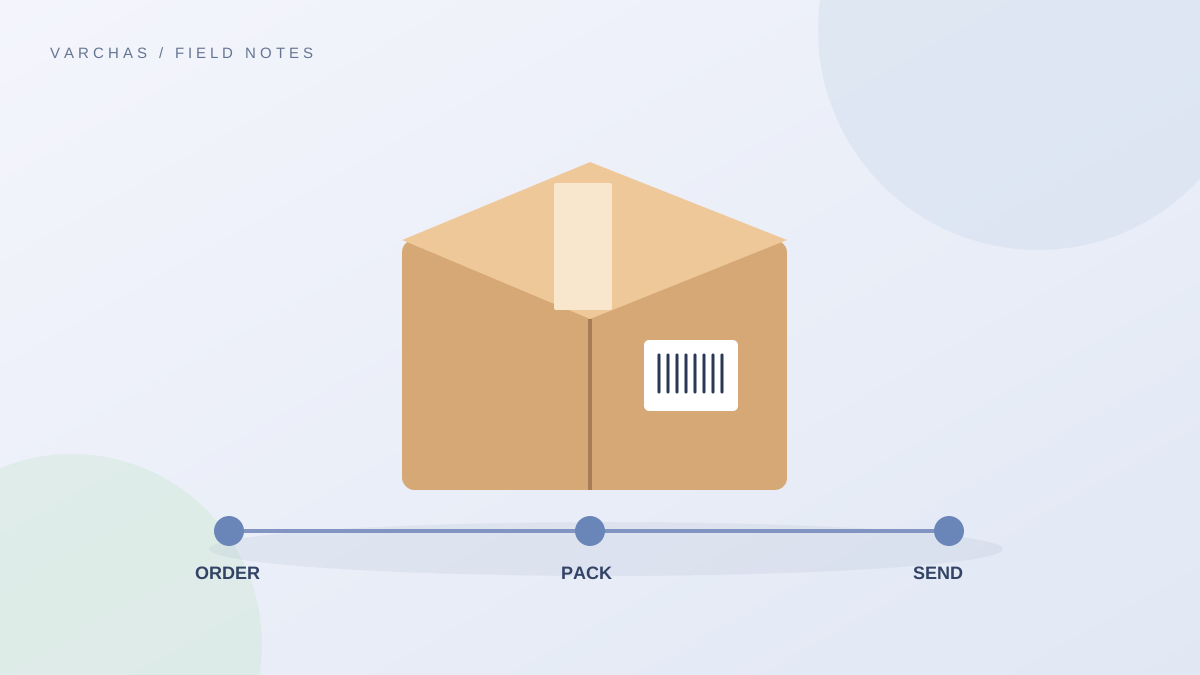
The idea
A cancellation window is the stretch of time after an order is placed in which the buyer can cancel freely. Once it closes, you may have already packed the parcel or booked a courier, so cancelling becomes costly or impossible.
It is different from a return window, which starts after delivery. Cancellation is about stopping an order before it ships.
Why a seller needs one
Without a stated window, the same question keeps arriving: "Can I cancel? I changed my mind." You then decide case by case, which wastes time and can feel unfair to someone. A clear window answers it before anyone asks.
It also protects you from the worst timing: a cancellation request after the parcel has left. A shipped parcel that gets cancelled becomes a return or refused delivery, with shipping paid both ways.
Tie it to what you actually do
The best window follows your own workflow, not a number copied from somewhere. Ask:
- When do I pack? If you pack once a day in the evening, an order placed in the morning can be cancelled until then.
- When do I book the courier? After that point, cancelling means chasing the pickup.
- How quickly do I see messages? A window of two hours is useless if you check chats once a day.
A sensible pattern for many small sellers is: free cancellation until you confirm dispatch, which you announce in your daily cut-off. The post on setting a daily cut-off time for orders helps you pick that time.
The made-to-order exception
If you make things after the order arrives, the clock runs differently. Once you have cut the cloth, poured the wax or ordered the blanks for a specific buyer, the cost has been spent.
For these, set a shorter window, or a rule such as: free cancellation until production starts, after that the cost of materials is not refunded. Say it clearly on the product page and in your confirmation. The post on return policy for custom and made-to-order items covers wording.
How to write it
Keep it to a few lines. Example wording:
"You can cancel your order free of charge until it is packed for dispatch. Message us on WhatsApp with your order number as soon as you decide. Once the parcel has shipped, please follow our return policy instead. Made-to-order items can be cancelled only before we begin making them."
Avoid hours that you cannot meet. If you say "within 24 hours" and then miss a message, you have broken your own rule.
Where it belongs
Put it in your store's policy pages, in the order confirmation message and in the FAQ. The post on what-is-a-return-policy explains how it fits with returns, and cancellations, refunds and restocking covers what happens once a cancel is accepted.
What about the money
If the buyer paid online and cancels inside the window, refund it promptly and tell them the timeline. If they chose COD, there is nothing to refund, only a parcel to stop. See writing a simple refund timeline for customers.
I am not stating any legal rules here. Consumer rules and platform terms can apply, so check the current requirements with an official source or a CA.
The takeaway
Set your cancellation window around the moment you pack, shorten it for made-to-order work, write it in plain words and keep to it.