
Where do I set my store name, support email and GSTIN?
The Store details tab holds four fields. Here is what each one does, where it shows up, and what to check before you save.
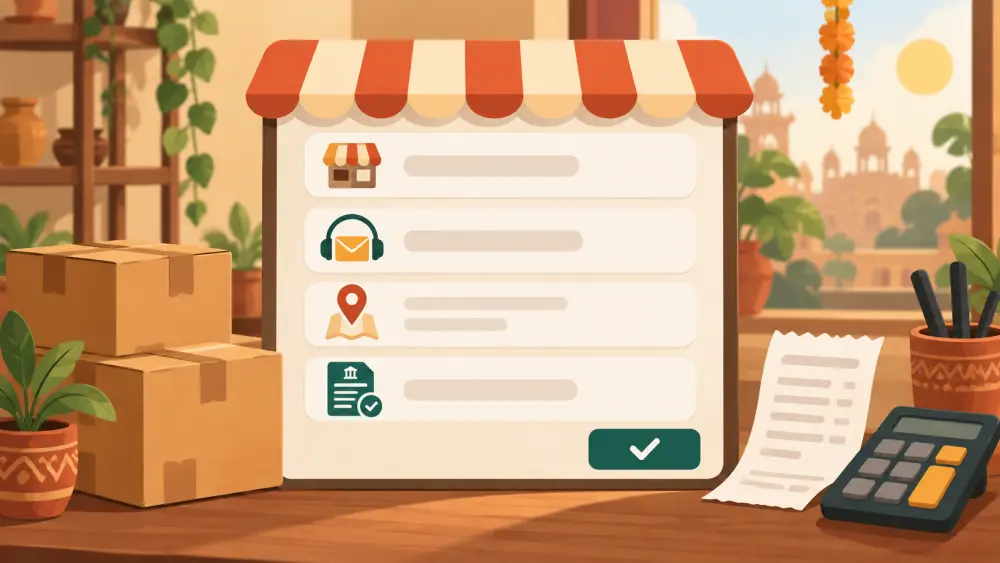
Four small fields decide how your store introduces itself. They all live in one place: Admin, then Settings, then the Store details tab. The panel is headed Store Info, and nothing else is on that tab.
The four fields
Store name. This is the name your store goes by. It is also what appears as the sender name on the emails your store sends to customers, so pick the version of your brand name that you want people to see in their inbox.
Domain. The web address you use for your store. It is a plain text field you fill in yourself. If you have not decided on one yet, owning your domain is worth reading before you commit to something.
Support email. The address customers can reach you on. More on this below, because it does more than you might expect.
GSTIN. Your GST identification number, if you have one. The field starts empty, so a store without one simply leaves it blank.
What the support email is used for
You enter it once, and it is used in several places.
- The storefront links to it. The email icon in your footer and on your About page opens a message to this address.
- It prints on the invoice a customer can download for their order.
- It is the fallback for new order alerts. If you have not set a separate order alert email, order notifications go to your support email.
That last point matters. If you type a typo here, customers who try to write to you and the alerts you are waiting for can both go to the wrong inbox. Send yourself a test message after saving.
The form checks that the address looks like a valid email (something, an at sign, a domain), and it will refuse to save if it does not. It cannot check that the mailbox is real, so that part is up to you. Use an address you actually read, preferably one tied to your brand rather than a personal one you may stop checking.
GSTIN: what the field does and does not do
If you enter a GSTIN, it prints on the invoices your store generates for orders. That is the whole job of the field. Varchas does not verify the number, and the field is not marked as required.
Whether you need a GSTIN, when you have to register and what to charge are questions for your chartered accountant, not for a store settings page. GST and selling online: the basics gives you the general idea so you can ask better questions, but confirm your own situation with a CA before you act on it. Only enter a number you have actually been issued.
Saving
These fields use the same Save Settings button as most other tabs. Each value is limited to 200 characters. After you save, reload the page and check the footer of your storefront and an invoice preview to confirm the right name and email show up.
Quick checklist
- Store name is spelled the way you want it in customers' inboxes.
- Domain matches the address you actually use.
- Support email is one you check every day.
- GSTIN is filled in only if you hold one, and matches your registration exactly.
Small fields, but they show up on every email and every invoice, so a few minutes here saves awkward corrections later.