
What free apps can edit product photos on a phone?
You do not need paid software to edit product photos. Here are the kinds of free tools available and what to look for in each, without naming any one app.
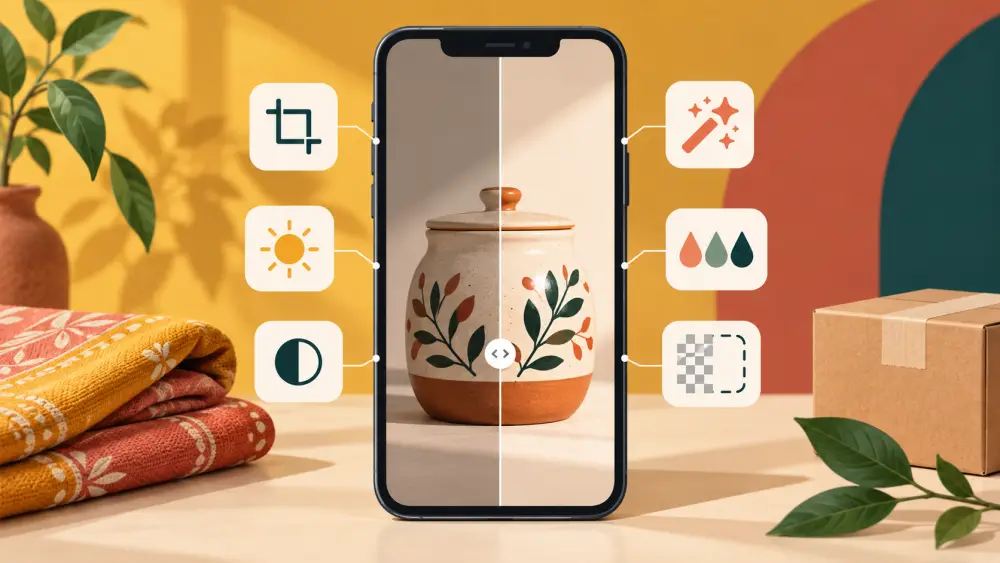
Plenty of free editing tools exist for phones, and new ones appear all the time. Instead of a list that will be out of date soon, it helps to know what kinds of tools exist and which features you actually need for product photos.
Start with the editor already on your phone
Both Android and iPhone gallery apps include built-in editing. They usually let you crop, rotate, adjust brightness, contrast, colour and sharpness, and apply a filter. For many sellers this covers almost everything. Try it first before installing anything else. It also saves storage and avoids handing your photos to yet another app.
Free general photo editors
These are separate apps that offer more control than the built-in tool. Look for:
- Exposure and highlight/shadow controls, so you can brighten a dim photo without blowing out the whites, as explained in how to brighten product photos without making them look fake.
- White balance or temperature, to fix colour casts, see how to fix yellow or blue colour cast.
- Crop with set shapes, so you can keep a consistent frame.
- Spot removal or healing, handy for removing a speck of dust, though not a fix for a dirty product.
- Copying and pasting edits, so you can apply the same settings across a batch, see how to edit a batch of product photos the same way.
- Export quality options, so you control the file size.
Background tools
Some free apps can cut out a product from its background automatically. Results vary with the product, especially for fine edges like hair-thin straps or glass. See how to remove a background from a product photo for how these approaches compare.
Layout and graphic tools
Free design apps help with collages, comparison images or text overlays for social posts. They are useful for promotion, but your main product images should stay clean, without text or decoration covering the product.
What to watch for in any free app
Free tools often come with trade-offs, and it is worth checking before you rely on one.
- Does it add a watermark to your export?
- Does it lower the quality of the saved photo?
- Does it ask for access to your photos or accounts that you are not comfortable sharing? Read the permissions it asks for.
- Does it keep original files, or overwrite them? Always keep an untouched original.
- Is it going to keep being free? Features can move behind a paywall, so do not build your whole routine around one feature without a backup.
Keep your editing light
Whichever tool you choose, edit gently. Correct light and colour so the photo matches the product in real life, crop consistently and export. Heavy filters can misrepresent the item, which can lead to returns, a theme in returns and RTO: what nobody tells you.
A simple recommendation
Pick one editor, learn its few key tools, and use the same steps on every photo. Good shooting, covered in photographing products on a phone, reduces what you need to fix afterward, and that matters more than which app you use.