
What is SSL? (and why the padlock matters on your store)
SSL is what scrambles the data between a shopper's phone and your website, and the browser padlock is the visible sign that the connection is protected.
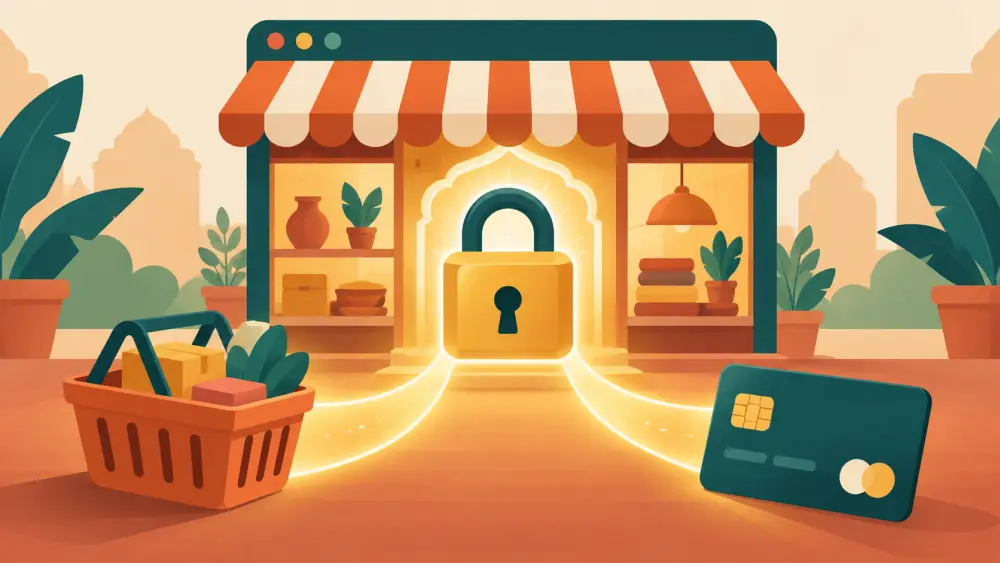
When you open a website and the address starts with `https` and a small padlock appears beside it, your browser is telling you something: the connection between your phone and that website is encrypted. The technology behind that is commonly called SSL, or its newer form, TLS. People still use "SSL" as the everyday name.
What it does, in plain words
Imagine posting a letter. Without encryption, it is like a postcard. Anyone who handles it on the way can read it. With encryption, it is sealed in an envelope that only the intended recipient can open.
When a shopper types her name, address, phone number or card details on your page, that information travels across several networks before it reaches you. An encrypted connection means that along the way, the data is unreadable to anyone peeking in, such as someone on the same public Wi-Fi.
A shopper deciding
Picture Meera, standing in a queue, looking at your store on her phone. She likes a kurta. She reaches checkout and is about to enter her card number. Before she does, she glances at the top of the screen. If she sees the padlock, she carries on. If she sees a warning such as "Not secure," she may well stop, close the tab and buy from somewhere else.
You never see that moment. You just see a lost order. That is why the padlock matters. It is part of how a stranger decides whether to trust you with their details. What a website says about a brand before anyone buys covers the wider idea.
What the padlock does not tell you
Be careful about overreading it. The padlock says the connection is encrypted. It does not say the seller is honest or that the product is good. Trust still has to be earned through clear policies, real photos and good service, as in building trust without a big marketing budget.
What a seller should do
- Always open your own store in a browser and check the address starts with `https` and shows no warning.
- Share the full address, including `https`, when you post links.
- Do not collect card numbers yourself over chat. Use a payment provider's page, so sensitive data does not pass through your phone.
- If you see a security warning on your own store, take a screenshot and tell your platform's support promptly.
About card details on your store
On Varchas, online payments run through Cashfree, so the sensitive card entry is handled by the payment provider and not typed into a form that you read. I will not go into certificate technicalities as if they were facts about the platform, since I could not verify those in the code. Ask support if you want specifics about how your store's connection is set up.
For other payment options on your store, UPI and COD payments for your own store explains what is available.
Your domain and security
A store on your own address is still expected to show the padlock. If you change domains, check again after the change. See what is a custom domain for how to choose one.
Next step
Open your store on your phone using mobile data, not your home Wi-Fi, and check the top bar. It takes ten seconds and tells you what your customer sees.