
Fixing a wrong pincode after the order is placed
What to do the moment you notice a wrong pincode, from pausing dispatch to confirming details with the customer, and what to try if the parcel is already booked.
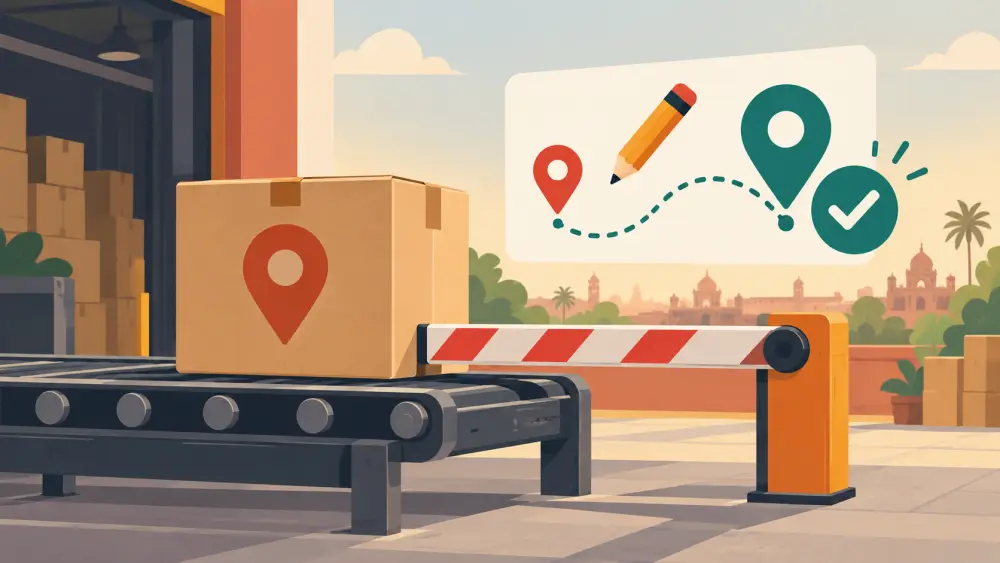
You are packing an order and notice the pincode belongs to a different city. Or a customer messages to say they typed the wrong one. How quickly and calmly you act decides whether this is a small correction or a returned parcel.
First, stop the clock
If the parcel has not left you yet, pause it.
- Take it out of the day's dispatch batch.
- Mark the order as on hold, so nobody else books it.
- Keep the parcel packed and labelled in a separate spot, not mixed with ready orders.
A few minutes of delay now is far cheaper than a failed delivery later.
Confirm the correct details
Contact the customer and ask for the full, current address, not just the pincode. A wrong pincode often comes with other small errors. Ask for flat number, building, street, area, landmark and phone.
A simple message works.
"Hi, while preparing your order we noticed the pincode may not match the area. Could you please confirm the full address with the correct pincode? We will ship once we have it."
Wait for a clear written reply and save it with the order.
Update your records
Correct the address in your order record, and note the time and the customer's confirmation. If the label has been printed, reprint it. Never write over a printed label by hand unless it is clearly readable, as scanners and agents may misread it.
If the parcel is already booked
This is where things become less certain. Whether a courier can change the address or pincode after booking depends on the courier, the stage of the shipment and sometimes the service you chose. I cannot say any courier will always allow it. Steps to try:
- Check your courier dashboard or contact their support to ask whether an address update is possible, and how.
- Act fast, because the earlier you ask, the more options there may be.
- If an update is not possible, ask whether the shipment can be stopped, returned or cancelled before it moves further.
- If it is already in transit, you may need to let it come back or arrange a new shipment once the customer confirms.
Be ready for either answer, and tell the customer honestly what is happening.
Consider the cost
A returned or re-booked shipment costs money and time. Our posts on the cost of one refused COD order and returns and RTO, the numbers nobody tells you show how quickly it adds up. Sometimes the cheapest choice is to cancel and ship fresh once the details are right.
Talk to the customer plainly
Explain what happened, what you are doing and what the customer can expect. Avoid blame. A line such as "the pincode did not match the area, so we paused to avoid a delay" keeps things friendly. If a delay is likely, say so.
Stop it happening again
- Read the address and pincode together before you pack.
- Compare pincode with area and city.
- Hold orders with unclear addresses until they are confirmed.
See common pincode mistakes that delay or return orders for the usual culprits, and how to verify a customer address before you dispatch for a quick routine.
Learn from each case
Keep a note of how often pincode errors happen and where they come from, such as a form field, chat orders or copy-paste. If most come from one source, fix that source. Then wrong pincodes become rare, not routine.